
Makeblock mBot Ultimate review
A ten-in-one aluminum robot platform with Arduino, Raspberry Pi and robotic-arm builds for older builders.
Robot Current is reader-supported and may earn a commission from qualifying purchases through affiliate links, at no extra cost to you. Brands cannot buy a recommendation. How this works.
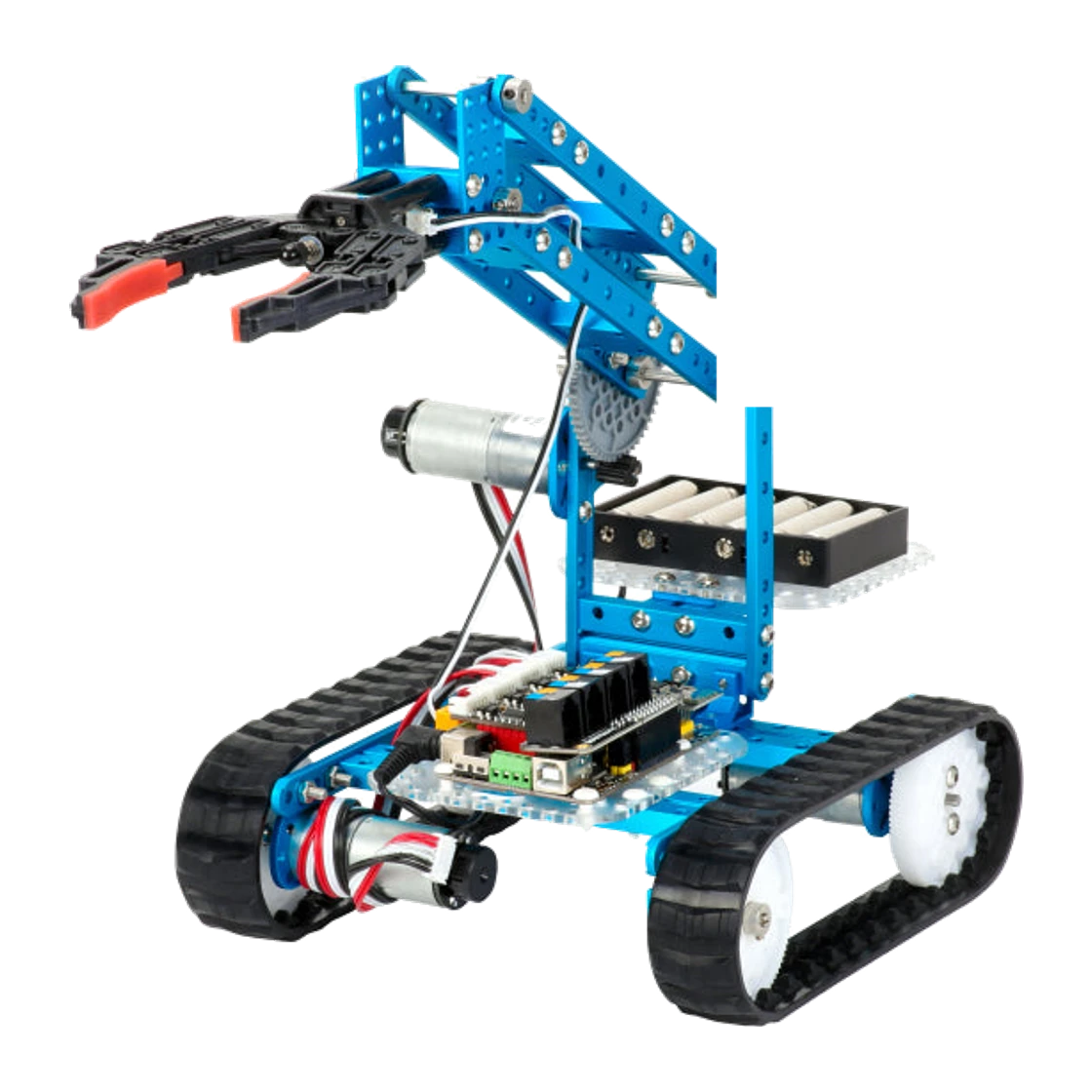
We recommend the Makeblock mBot Ultimate for a teenage builder, or a classroom, ready for a serious robotics platform. It builds ten different robots, including a robotic-arm tank, runs on a MegaPi controller with 11 motor and servo ports, and supports block-based and Arduino coding, with Python available through an added Raspberry Pi. At $399.99 it is a premium kit, so buy it for a builder who will use that headroom.
Builders aged 12+ who want a large, expandable metal kit, with Arduino coding and a robotic arm, and room to grow into Raspberry Pi projects
- Recommended age
- 12+
- Build options
- 10-in-1
- Material
- Aluminum alloy kit with MegaPi controller
- Controller
- MegaPi, ATMEGA2560-16AU at 16 MHz
The quick answer
The Makeblock mBot Ultimate is a 10-in-1 aluminum robot kit for ages 12+. It uses a MegaPi controller with 11 motor and servo ports and 5 sensor ports, ultrasonic, line-follower and gyroscope sensing, and connects by USB, Bluetooth or 2.4G. It supports block-based and Arduino code, and Python with a Raspberry Pi. Makeblock lists a free rechargeable battery pack and up to two hours of play.
Why we like it
- Ten robot builds from one kit, including a robotic-arm tank
- MegaPi controller with 11 motor and servo ports and 5 sensor ports for expansion
- Block-based and Arduino coding, with Python through an added Raspberry Pi
- USB, Bluetooth and 2.4G connectivity, and compatibility with 500+ Makeblock parts and LEGO bricks
- A free rechargeable battery pack is listed with the kit, with about 1 to 2 hours of play
Before you buy
- At $399.99 it is much more expensive than entry-level kits.
- Makeblock recommends it for ages 12 and up, and assembly is a substantial project.
- Python needs an extra Raspberry Pi, which is not included.
- Makeblock’s spec table says batteries are not included; the listing’s free gift battery pack covers that, so check the box contents. The store delivers only to the contiguous United States.
Why we like the mBot Ultimate for ambitious builders
Some kits are finished after one build. The mBot Ultimate builds ten different robots, from a robotic-arm tank to other forms, and its MegaPi controller has 11 motor and servo ports to drive them. That makes it a platform rather than a toy: an older builder can reuse the same aluminum parts for project after project, and a classroom can run a whole term of different challenges from one kit.
Coding and expansion
Makeblock lists block-based coding for a first start and Arduino for text-based control, with Python available when you connect a Raspberry Pi, which is optional and not included. The kit works with more than 500 Makeblock parts, Arduino sensors and LEGO bricks, so it can keep growing. Connectivity covers USB, Bluetooth and 2.4G.
Everyday play and what to expect
Ultrasonic, line-follower and gyroscope sensing support obstacle avoidance, line following and balance projects. Makeblock lists about 1 to 2 hours of play and a 1.5-hour charge for the 2600 mAh pack. Expect a long assembly session with the aluminum parts, and plan the build as a project rather than a quick unboxing.
What to know before you buy
At $399.99 this is among the most expensive kits we cover, and Makeblock recommends it for ages 12 and up. Python needs a separate Raspberry Pi. The specification table says batteries are not included while the listing shows a free battery pack, so confirm what ships. The store delivers only to the contiguous United States.
Our buying advice
Buy the mBot Ultimate for a teen or classroom that will use ten builds and Arduino-level control. Makeblock lists it at $399.99 on October 17, 2026, or $455.99 with a Bluetooth controller, and supplies no coupon code through our link, so we do not claim a saving. For a younger or first-time builder, the mBot Ranger at $169.99 is the more approachable choice.
The details at a glance
| Recommended age | 12+ |
|---|---|
| Build options | 10-in-1 |
| Material | Aluminum alloy kit with MegaPi controller |
| Controller | MegaPi, ATMEGA2560-16AU at 16 MHz |
| Sensors | Ultrasonic, line follower, gyroscope and shutter module |
| Coding | Block-based, Arduino; Python with an extra Raspberry Pi |
| Battery | 2600 mAh pack, about 1 to 2 hours play, 1.5 hours charge; free battery pack listed with the kit |
| Connectivity | USB, Bluetooth, 2.4G |
| Ports | 11 motor and servo ports, 5 sensor ports |
| Expandability | 500+ Makeblock parts, Arduino sensors, LEGO bricks, Raspberry Pi |
| Warranty and delivery | 12-month warranty; free shipping; contiguous US only |
| Store and price | US store: $399.99; with Bluetooth controller $455.99 (checked October 17, 2026) |
Makeblock mBot Ultimate · Builders aged 12+ who want a large, expandable metal kit, with Arduino coding and a robotic arm, and room to grow into Raspberry Pi projects
Keep researching
- How to choose an educational robotics kit
- Makeblock mBot Ranger vs mBot Ultimate: which robot kit fits?
Your questions, answered.
What age is the Makeblock mBot Ultimate for?
Makeblock’s FAQ says it is easy to get started for kids aged 12 and up.
How many robots can the mBot Ultimate build?
Ten different builds, including a robotic-arm tank.
Does the mBot Ultimate need a Raspberry Pi?
No. Block-based and Arduino coding work without one. Python needs a connected Raspberry Pi, which is optional and sold separately.
What is the difference between the mBot Ultimate and the mBot Ranger?
The Ultimate lists ten builds, a MegaPi controller with 11 motor and servo ports and a Raspberry Pi option for ages 12+, at $399.99. The Ranger lists three builds for ages 8+ at $169.99.
Are batteries included?
The spec table says batteries are not included, but the listing includes a free rechargeable battery pack as a gift. Check the box contents.
Is there a Makeblock discount code?
No code or discount is supplied through our link, so we do not claim one. Check the price in your cart.
How we put this review together
- Product information checked against official sources on October 17, 2026; reviewed listing: Makeblock store.
- Product photography comes from Makeblock; the background was removed while preserving the supplied product image.
- No scores and no paid placement. Our recommendation is about fit, not commission.
Also worth considering
All reviews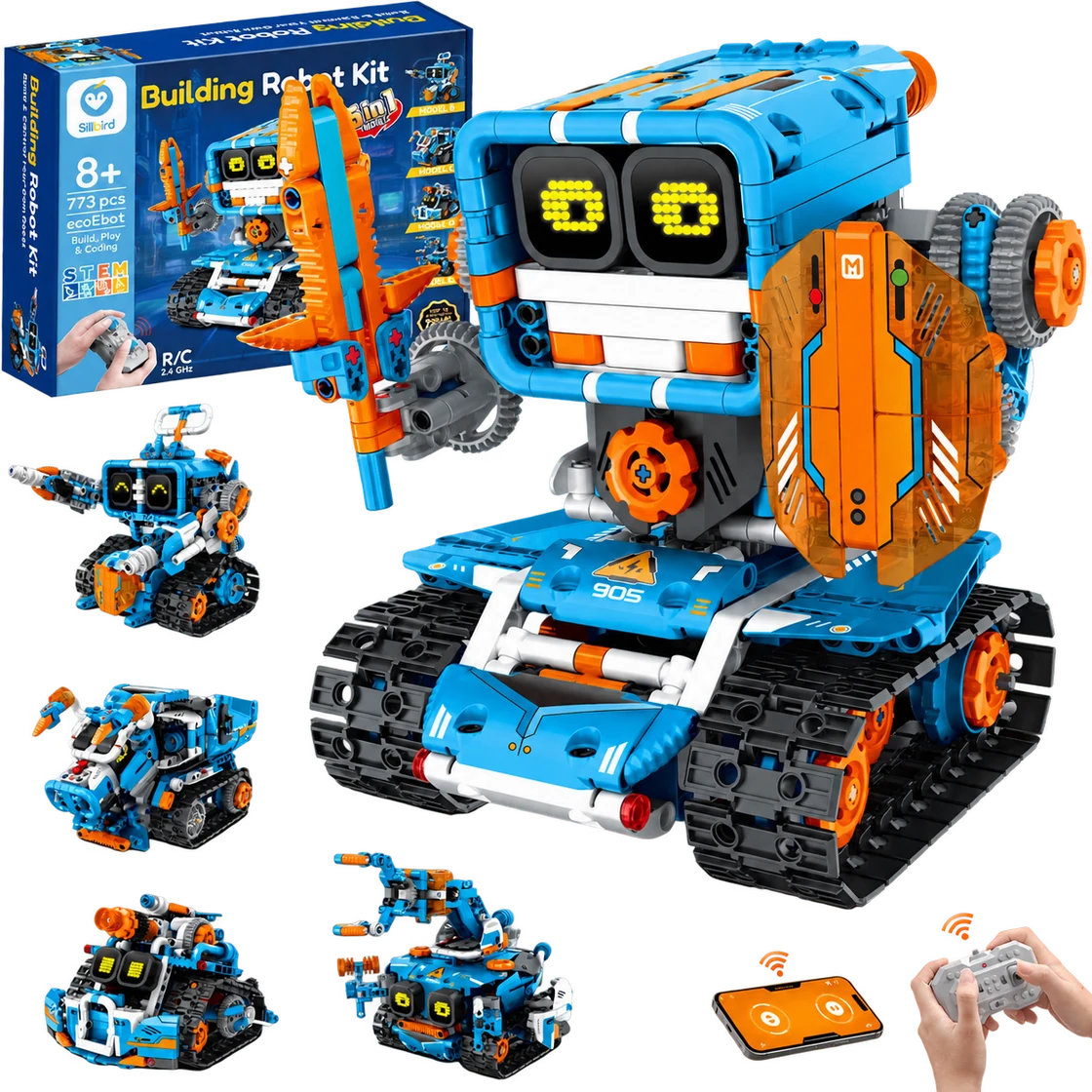
Sillbird Building Robot Kit B905
A multi-build robot project that turns assembly into part of the fun.
Best for Builders aged 8+ who enjoy following a project, making several robot designs and choosing between app or remote control
Read the review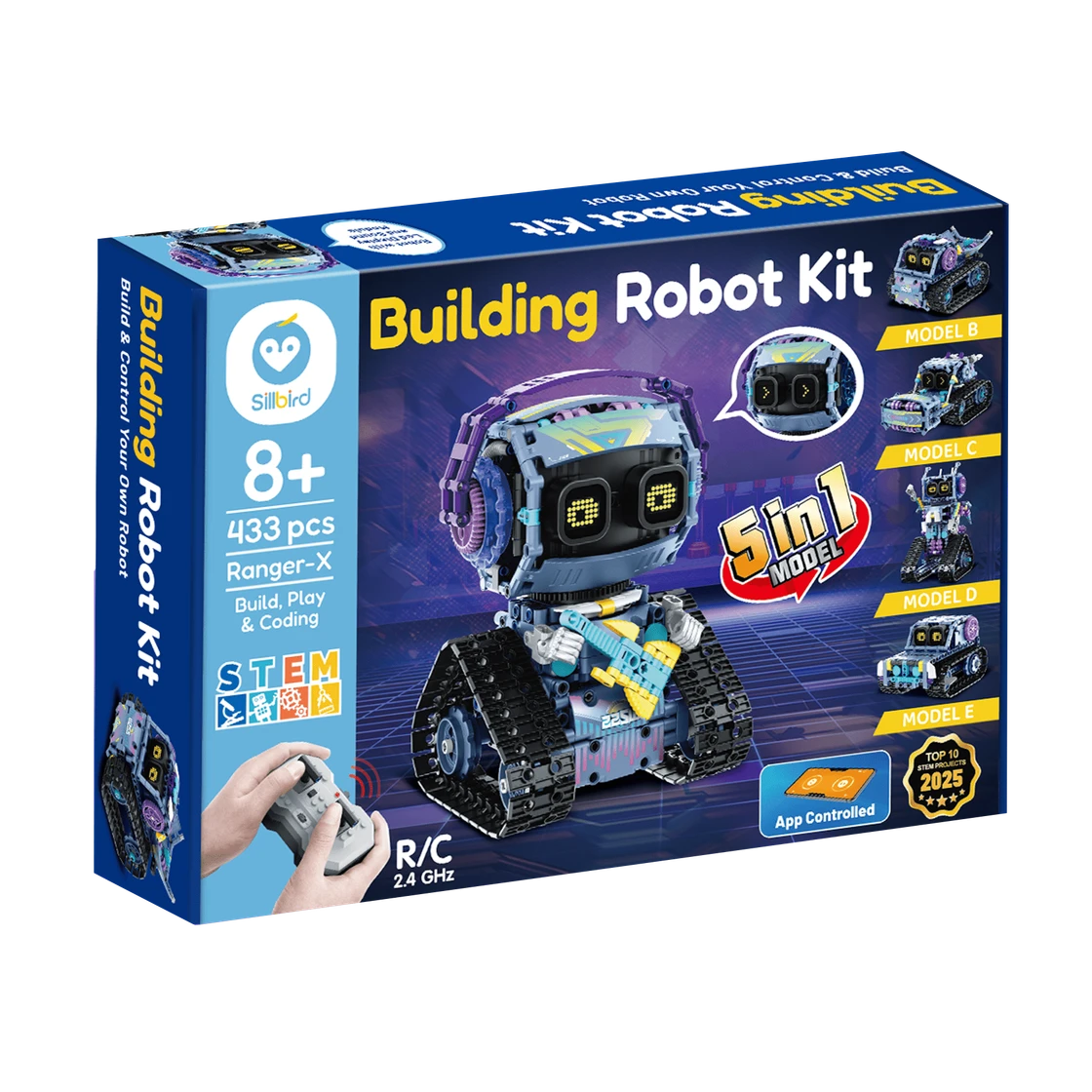
Sillbird RockRoller Music Robot
A characterful robot-building project with five ways to rebuild and two control options.
Best for Builders aged 8+ who enjoy a multi-session construction project and want to drive or program an expressive robot afterward
Read the review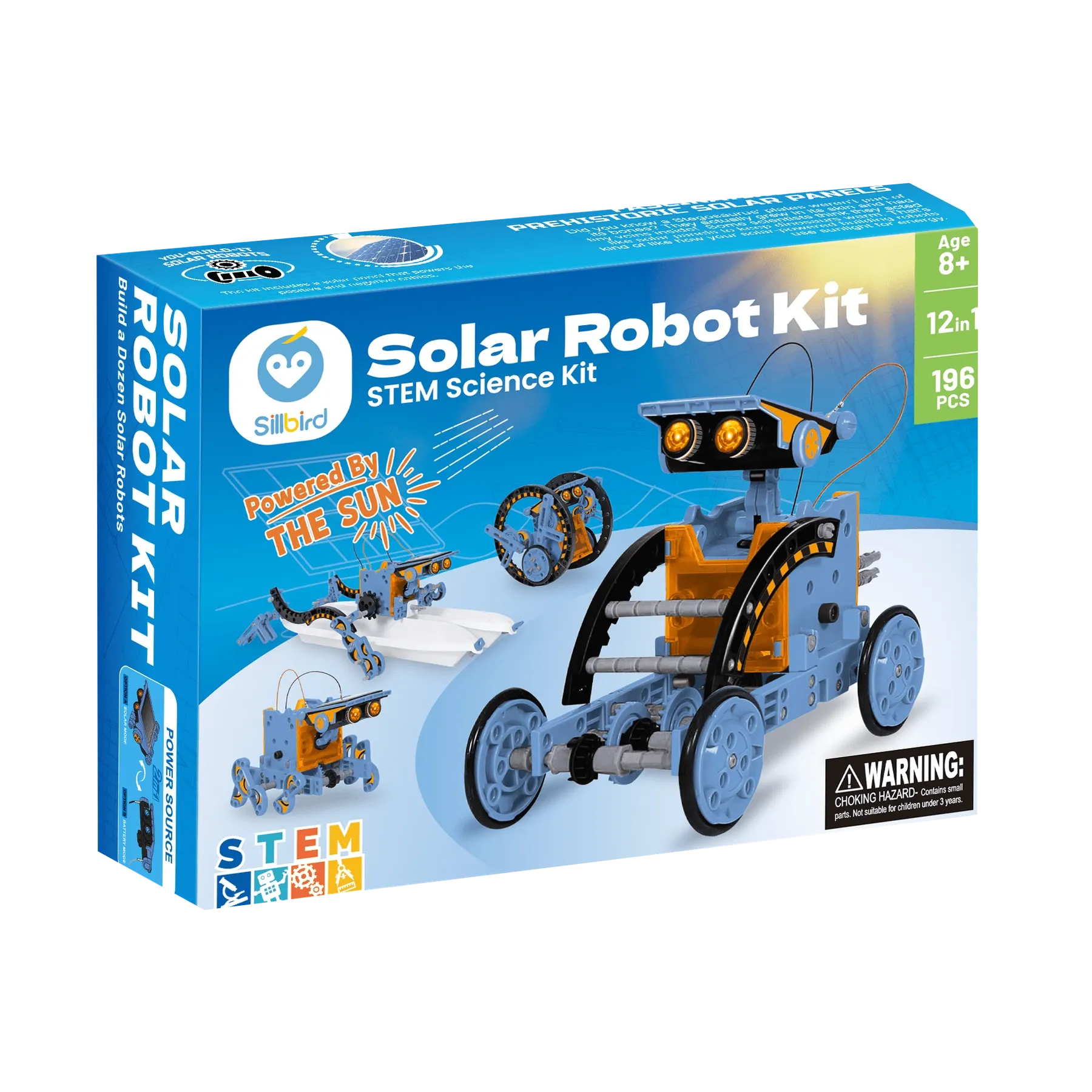
Sillbird STEM Solar Robot 215E
A sunny, hands-on project that turns one kit into a dozen robot builds.
Best for Builders aged 8+ who enjoy assembling reusable models and can try solar-powered movement in direct sunlight
Read the review