
Elecrow CrowBot BOLT review
A sensor-packed ESP32 robot car that starts with an infrared remote and opens into three coding environments.
Robot Current is reader-supported and may earn a commission from qualifying purchases through affiliate links, at no extra cost to you. Brands cannot buy a recommendation. How this works.
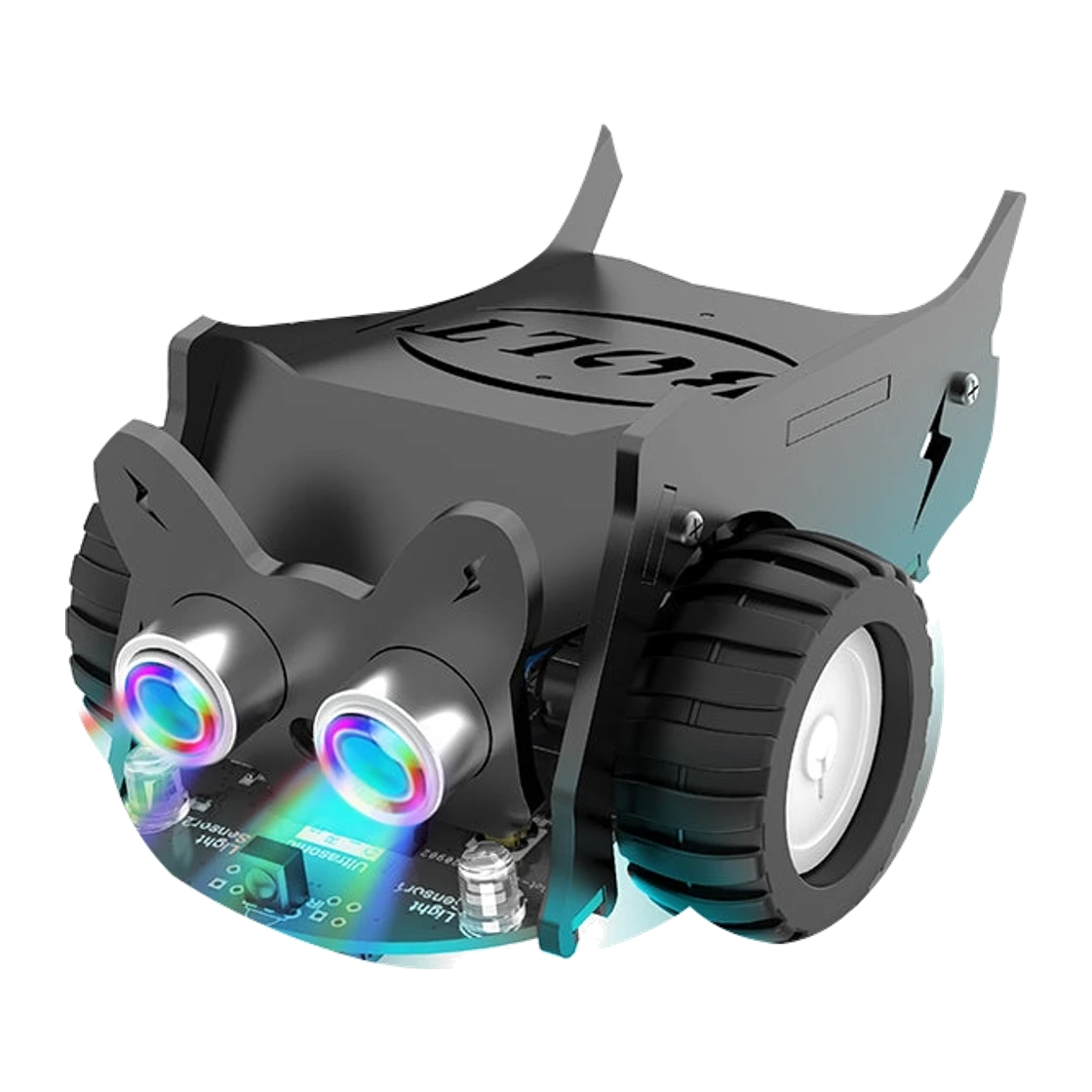
We recommend the Elecrow CrowBot BOLT for a first robotics build that makes code visible through movement, light and sound. Its ESP32-based car comes with an infrared remote, then opens to Letscode, Arduino and MicroPython as the learner takes on guided experiments. Line tracking, light sensing and ultrasonic obstacle detection give those programs something concrete to respond to. The kit takes assembly and separate batteries, so it suits a project session with room for setup more than an instant-play gift.
Makers who want to assemble and program a sensor-equipped car, with time for battery and software setup
- Controller
- ESP32-WROVER-B
- Programming
- Letscode, Arduino and MicroPython
- Sensors
- Light, ultrasonic, line tracking, infrared receiver and buttons
- Included control
- Infrared remote in selected variant CRB00157C
The quick answer
The Elecrow CrowBot BOLT is an assemble-and-code robot car with an infrared remote, an ESP32-WROVER-B controller, three programming environments and sensors for line, light and distance experiments. Choose the infrared kit to begin driving, then use its 16 lessons to progress into Letscode, Arduino or MicroPython. It requires four AAA batteries, sold separately; the optional joystick is a different package choice.
Why we like it
- Letscode, Arduino and MicroPython give the same car a progression from visual to text-based programming
- Line-tracking, light and ultrasonic sensors make programs respond to the room and course
- The selected kit includes an infrared remote for driving before writing custom code
- Four RGB LEDs, a buzzer and two motors provide visible and audible program feedback
- Sixteen lessons introduce projects across the three supported programming environments
Before you buy
- The car needs assembly, a compatible computer or coding device, and time for initial setup
- Four AAA batteries are required and are not included
- The joystick controller is a separate variant, not part of the selected infrared kit
- Wi-Fi hardware is listed, but Elecrow says it does not provide Wi-Fi control code or a tutorial
A small car makes code visible
The CrowBot BOLT turns a short program into wheel movement, a light response or a sound, which gives a new maker a quick way to see what an instruction changes. Elecrow lists 16 lessons across Letscode, Arduino and MicroPython. A learner can start with the block-style environment, then move into Arduino or Python while working with the same ESP32-based car. That makes the kit useful for families or clubs that want one project to span several coding sessions rather than a single construction activity. The included infrared remote lets the car move before the first program is ready, while the sensors give later code a way to respond to a line, an obstacle or light. That progression matters when the goal is more than driving a preset car: the learner can revisit familiar movement while changing how a program is built. Elecrow's examples include line following, light chasing and obstacle avoidance, so the car offers distinct problems to solve before adding extra modules. A parent or club leader can set one short challenge at a time and let the maker compare the car's response.
Plan for assembly and battery setup
This is a build-and-code kit, so allow time to sort the parts, assemble the chassis and connect the sensors before the first drive. Elecrow includes a line-tracking map, instructions, cables and a USB Type-C cable for programming. Four AAA batteries power the car and are sold separately. The listed 128 × 92 × 64 mm footprint keeps the finished vehicle compact, but the work surface still needs room for the build and a simple test course. A compatible coding device and a stable spot to install the software are part of the project, so this is a better choice when setup is welcome than when the recipient wants an immediate out-of-box toy. Elecrow's package list covers the chassis, ultrasonic sensor, battery holder, two wheels, acrylic side and front plates, screws, copper columns, screwdriver, Crowtail leads, USB Type-C cable, infrared remote, instructions and line map. Keep the small fasteners together and compare the parts with the instructions before powering the motors; the kit's practical value depends on having time for both assembly and software setup.
Sensors turn a course into programming practice
The light sensor, ultrasonic sensor, line-tracking sensor and infrared receiver give the car several ways to react to its surroundings. Start with a line-following route, then change the code to handle an obstacle or respond to a brighter area. The four RGB LEDs and buzzer can signal what the program detects, while the two motors make those decisions visible as movement. The lessons provide a route into these activities, and the two expansion interfaces open the platform to I2C and analog/digital modules. Elecrow lists compatibility with more than 150 Crowtail modules, which gives a curious maker room to add an experiment after learning the supplied sensors. The manufacturer also describes preset modes: obstacle avoidance changes direction at a stated 30 cm threshold, line following corrects the route, and light chasing responds to a flashlight. A music-and-light mode uses the LEDs and buzzer. These examples show a sensor's default behavior before the learner tries to reproduce or adjust it in code.
Check the controls and connectivity claims
The selected infrared-control variant includes a handheld remote; the Bluetooth joystick is sold as a different option. Elecrow lists Wi-Fi and Bluetooth support, but its official documentation says no Wi-Fi control code or tutorial is supplied. Bluetooth joystick setup is documented, though it requires that separate controller. Wi-Fi phone control is therefore a maker programming project; the included infrared handset is the straightforward way to begin driving. Buyers who need immediate app control should choose a kit with a published app workflow. Elecrow lists about 1.5 hours of battery life, a manufacturer figure rather than a measured runtime. The required AAA cells are separate, so include them in setup planning. Treat the runtime as a planning figure and bring spare cells for sessions that run longer. Unlike mBot2's listed built-in rechargeable pack, this kit uses replaceable AAA cells.
Our buying advice
CrowPi listed the selected infrared-control kit at $33.99 on October 23, 2026. The partner program supplied code CURRENT for 6% off, which would make the price about $31.95 if the code applies to this exact variant and listed price. Confirm the code and final cart total before paying. We would choose the BOLT for an affordable first car project with several coding environments and a remote to begin driving. For a more developed block-to-Python platform with broader onboard sensing and a rechargeable battery, compare the Makeblock mBot2. At this price, the BOLT's appeal is a lower-cost way to explore inputs and movement, rather than a finished smart-toy experience. It makes the most sense when assembly, separate AAA batteries and coding-device setup are part of the plan; choose mBot2 when the priority is guided block-to-Python lessons and a built-in battery. The linked mBot2 comparison lays out those tradeoffs in more detail.
The details at a glance
| Controller | ESP32-WROVER-B |
|---|---|
| Programming | Letscode, Arduino and MicroPython |
| Sensors | Light, ultrasonic, line tracking, infrared receiver and buttons |
| Included control | Infrared remote in selected variant CRB00157C |
| Processor memory | 8 MB listed |
| Outputs | Four programmable RGB LEDs, buzzer and two motors |
| Expansion | Two interfaces for I2C and analog/digital modules; 150+ Crowtail modules listed |
| Lessons | 16 guided lessons across three programming environments |
| Battery | Four 1.5 V AAA batteries, not included |
| Listed battery life | About 1.5 hours, manufacturer stated |
| Motor | GA12-N20 geared motors |
| Dimensions | 128 × 92 × 64 mm |
Elecrow CrowBot BOLT · Makers who want to assemble and program a sensor-equipped car, with time for battery and software setup
Keep researching
- How to choose an educational robotics kit
- Best first coding robot by age
- Elecrow CrowBot BOLT vs Makeblock mBot2: which coding robot fits?
Your questions, answered.
What is the discount code for the Elecrow CrowBot BOLT?
The CrowPi discount code is CURRENT (6% off) at crowpi.cc. The Elecrow CrowBot BOLT is listed at $33.99, about $31.95 with the code, before tax and shipping. Shop through the link on this page, paste the code at checkout and confirm your total, since CrowPi has not published which models qualify. More detail on the CrowPi offer page.
What programming languages does the CrowBot BOLT support?
Elecrow lists Letscode, Arduino and MicroPython, with 16 lessons across the three environments.
Does the CrowBot BOLT include a remote?
Yes. The selected CRB00157C variant includes an infrared remote; the joystick is a separate option.
What batteries does the CrowBot BOLT need?
It uses four AAA batteries, which are not included.
Can the CrowBot BOLT be controlled over Wi-Fi?
The ESP32 has Wi-Fi support, but Elecrow says it does not provide Wi-Fi control code or a tutorial.
Is a joystick included with the infrared kit?
No. The infrared remote is included in this variant, while the joystick is sold as another package option.
How we put this review together
- Product information checked against official sources on October 23, 2026; reviewed listing: CrowPi store.
- Product photography comes from Elecrow; the background was removed while preserving the supplied product image.
- No scores and no paid placement. Our recommendation is about fit, not commission.
Also worth considering
All reviews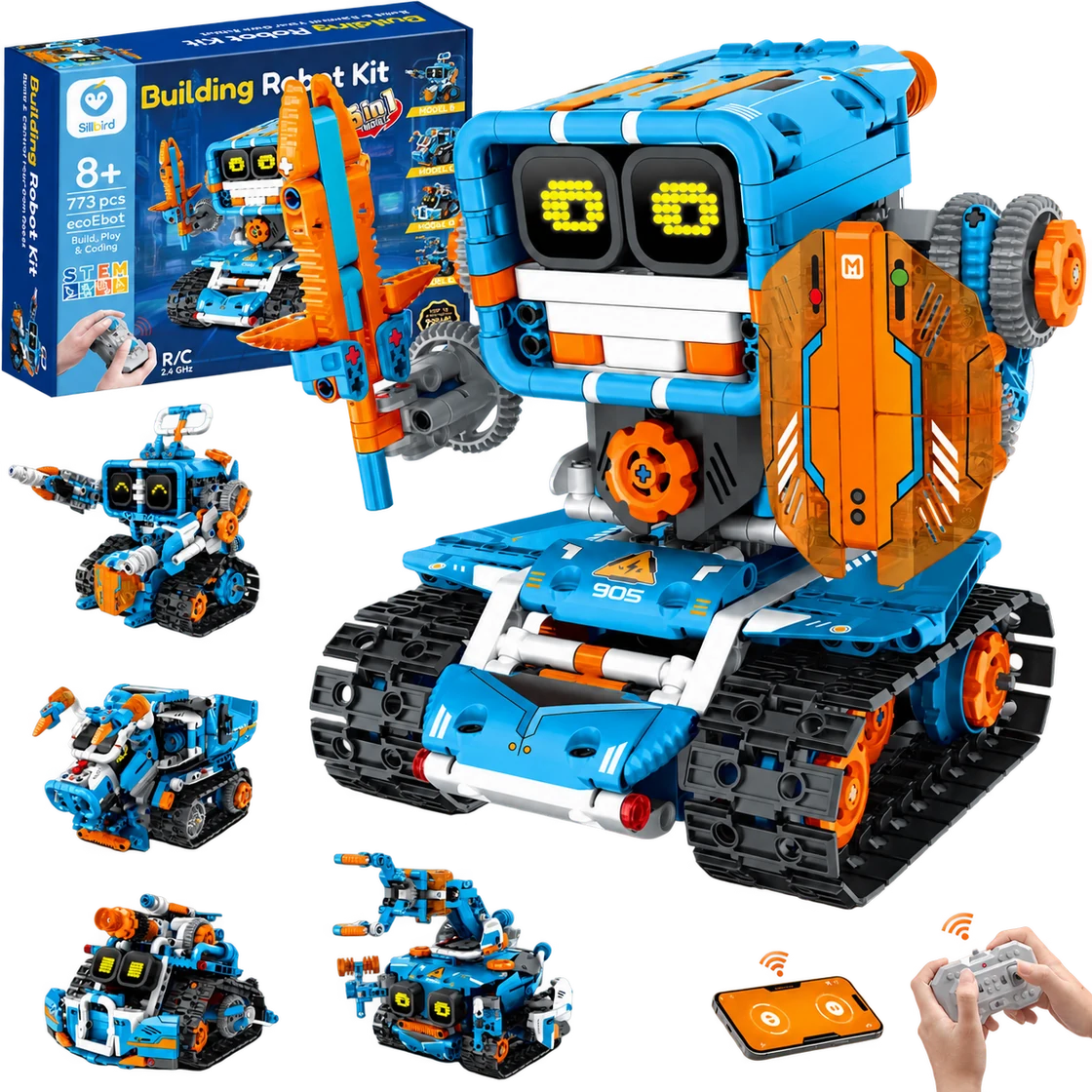
Sillbird Building Robot Kit B905
A multi-build robot project that turns assembly into part of the fun.
Best for Builders aged 8+ who enjoy following a project, making several robot designs and choosing between app or remote control
Read the review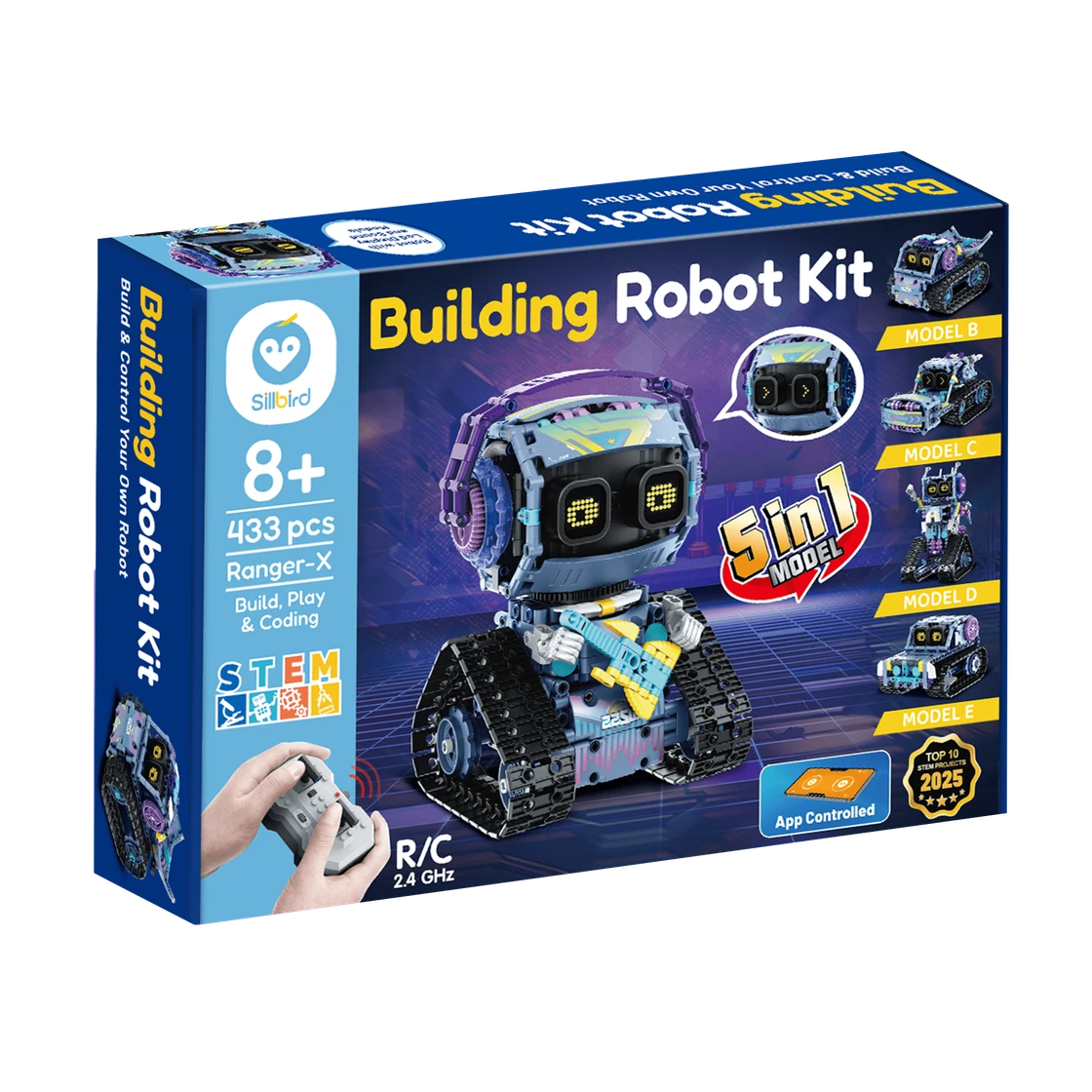
Sillbird RockRoller Music Robot
A characterful robot-building project with five ways to rebuild and two control options.
Best for Builders aged 8+ who enjoy a multi-session construction project and want to drive or program an expressive robot afterward
Read the review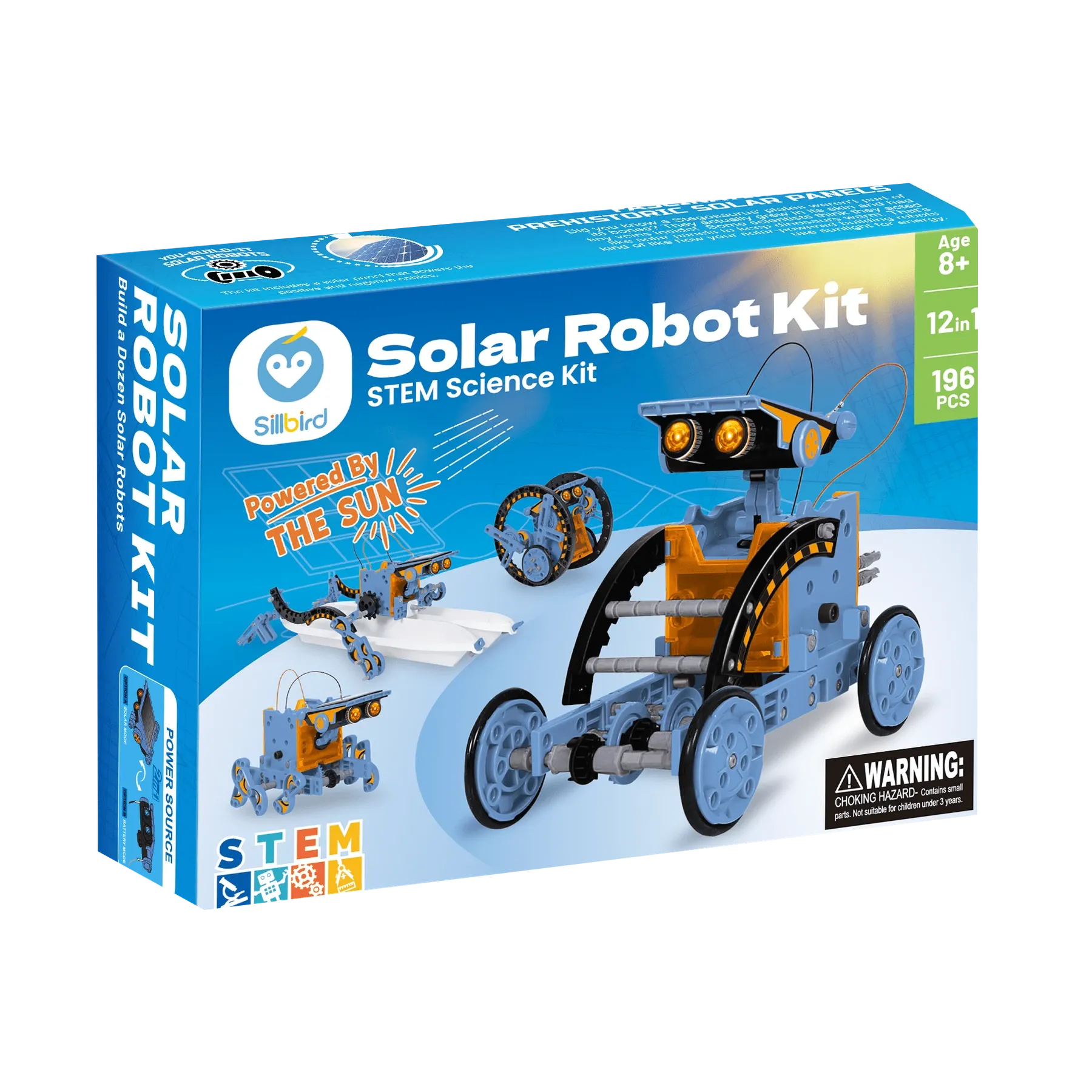
Sillbird STEM Solar Robot 215E
A sunny, hands-on project that turns one kit into a dozen robot builds.
Best for Builders aged 8+ who enjoy assembling reusable models and can try solar-powered movement in direct sunlight
Read the review