
Makeblock Codey Rocky review
A ready-to-use coding robot that makes early sensor and Python projects tangible.
Robot Current is reader-supported and may earn a commission from qualifying purchases through affiliate links, at no extra cost to you. Brands cannot buy a recommendation. How this works.
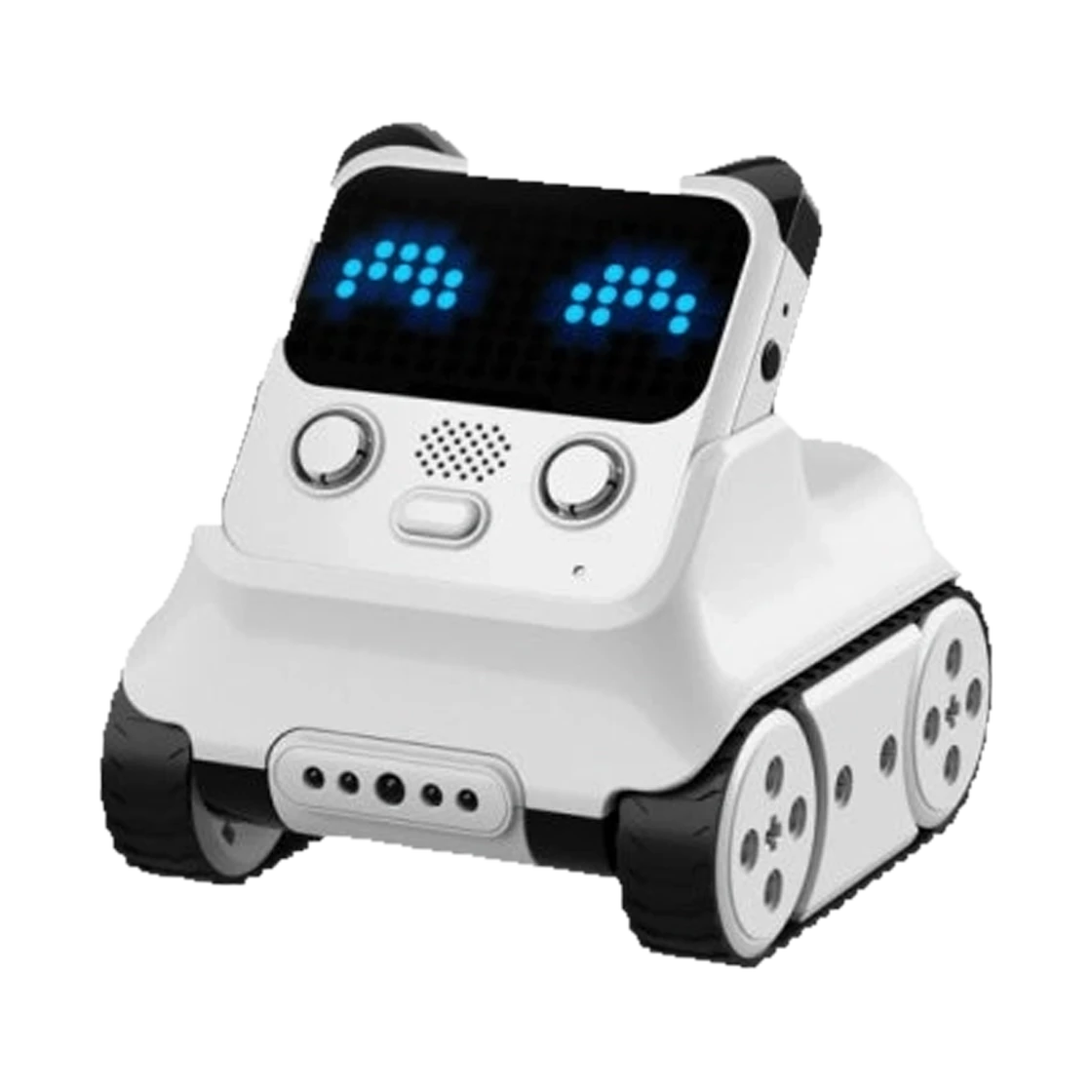
We recommend Codey Rocky for an age-6+ beginner who wants a coding robot ready to use out of the box. Its LED matrix, speaker and physical controls make programs feel immediate, while mBlock supports both block-based coding and Python. That suits short sensor and movement projects better than a parts-heavy build. The Bluetooth-dongle bundle is listed separately.
Children aged 6+ and beginners who want interactive coding without first building a robot from parts
- Recommended age
- 6+
- Setup
- Ready to use; no building required
- Controller
- ESP32 with Tensilica LX6 dual-core processor, up to 240 MHz
- Programming
- Block-based and Python in mBlock
The quick answer
Codey Rocky is a ready-to-use coding robot for ages 6+, with an expressive LED display, sound, onboard sensors and block-based and Python programming in mBlock. It can follow lines, detect colors and avoid obstacles. Choose it for a beginner who wants to start with interaction and code rather than assembly.
Why we like it
- Ready to use without assembling a robot chassis
- Block-based coding can progress to Python in Makeblock's mBlock software
- An LED matrix, speaker, buttons and knob make code outputs and controls visible
- Sound, light, motion, color and proximity sensors support varied beginner projects
- Rocky's tracked chassis supports line-following, color detection and obstacle-avoidance activities
Before you buy
- It is an assembled coding toy rather than a parts-heavy mechanical build
- The Bluetooth dongle appears in a separately listed bundle; check the selected variant for your planned computer setup
- Makeblock lists about 1 to 2 hours of play and about 1.5 hours to charge the 950 mAh battery
- Makeblock recommends age 6+ and says children should be accompanied by adults when using it
Why we like the ready-to-code approach
The first coding session can start as soon as Codey Rocky is out of the box. Makeblock says no build is needed, so the robot moves directly into button, screen, sound and motion activities instead of asking the child to assemble a chassis first. That is the main reason we recommend it to younger beginners: it turns simple program changes into something they can see and hear. A child can begin by pressing a button, changing the face on the LED matrix or programming Rocky's movement. These activities keep early progress visible and audible, giving a family a simple first step into robotics. Ready to use describes the physical robot, though; the learner still needs a compatible device and a little software setup. This format also lets a parent or teacher offer a small first task and see which controls hold the learner's interest. Its fixed chassis keeps the focus on inputs, outputs and code rather than alternative mechanical builds. If the satisfying part is sorting pieces and building the machine, a kit such as the mBot2 is a closer match.
Start with blocks and grow to Python
Makeblock supports block-based coding and Python in mBlock. A beginner can start with visual programs that read a button or sensor and change the display, then explore Python on the same robot. Blocks offer a visual way to connect an event to a response; Python gives a more curious learner a text-based route without changing robots. That continuity can make a code change easier to connect to the robot's response, and a child can revisit an activity in a new language. Makeblock also lists a gamified app, more than 20 learning cases and 22+ basic lessons. These digital resources give families and teachers guided starting points, while leaving room for short experiments. Language support alone does not mean every tutorial teaches Python, so preview the app and lessons against the learner's level. Treat the listed lessons as learning materials rather than a promise of a classroom sequence or extra hardware in the box.
Sensors turn small experiments into robot actions
Codey includes an LED display, speaker, programmable buttons and gear knob, plus sound, light and six-axis motion sensors. Rocky adds an infrared color and proximity sensor for line-following, color detection and obstacle-avoidance activities. A child can use these inputs to explore how a robot responds to a button press, tilt, sound, light or nearby object. For example, a program could change the face after a button press or use the color sensor while following a marked path; those are project ideas based on the listed controls, not activities we independently tested. This moves a learner from a predictable button response to code that reacts to a sensor, while the physical frame stays constant. The child can change one response at a time. Makeblock says Codey Rocky supports LEGO bricks indirectly through compatible pins, giving a maker a way to add simple physical changes. The core appeal remains interactive sensor projects rather than an open mechanical build.
What to know before choosing a variant
Makeblock lists USB, Bluetooth and Wi-Fi communication, but the product page separates the base Codey Rocky option from a bundle that adds a Bluetooth dongle. Check the selected package against the computer or tablet the learner plans to use instead of assuming every wireless option works with every setup. Confirm the included connection accessories before choosing a school or home computer, and allow time to install and open the coding software before the first session. Check Makeblock's current compatibility details before ordering. Makeblock lists a 950 mAh rechargeable battery, about 1 to 2 hours of play and about 1.5 hours to charge; these are manufacturer figures to help plan sessions, not a guarantee of runtime in every activity. Its safety guidance recommends age 6+ and adult accompaniment during use. The assembled design keeps physical setup simple, but it will not satisfy a child whose favorite part is building from components.
Our buying advice
Choose Codey Rocky for a young beginner who wants an expressive, assembled robot and a direct route from blocks into Python. Makeblock's US base variant was listed at $139.99 on October 20, 2026; the separately listed Bluetooth-dongle bundle was $157.99. There is no code or discount through our Makeblock route, so compare the selected contents and final cart total. Codey is the better fit when a child is ready to use a screen alongside the robot and wants to start with simple interactions. It makes sense when the buyer values a quick first project more than a long build, expects to help with the software setup and prefers fewer assembly steps. If the learner is more excited by sorting parts and building before coding, compare the mBot2 or a construction kit before deciding.
The details at a glance
| Recommended age | 6+ |
|---|---|
| Setup | Ready to use; no building required |
| Controller | ESP32 with Tensilica LX6 dual-core processor, up to 240 MHz |
| Programming | Block-based and Python in mBlock |
| Sensors | Buttons, potentiometer, sound, light, six-axis gyroscope, IR transmitter and receiver, IR color sensor |
| Display and audio | LED matrix, RGB LED indicator and speaker |
| Battery | 3.7 V rechargeable LiPo, 950 mAh; about 1 to 2 hours play, about 1.5 hours charge |
| Communication | USB, Bluetooth and Wi-Fi listed; Bluetooth dongle bundle sold separately |
| Movement | Tracked Rocky chassis; 250 RPM listed |
| Activities | Line-following, color detection and obstacle avoidance |
| LEGO compatibility | Supported indirectly through compatible pins |
| Package | One Codey Rocky robot; Makeblock's support guide also lists a lanyard, eight color cards, name sticker and Micro USB cable |
Makeblock Codey Rocky · Children aged 6+ and beginners who want interactive coding without first building a robot from parts
Keep researching
- How to choose an educational robotics kit
- Best first coding robot by age
- Makeblock Codey Rocky vs mBot2: which coding robot fits?
- Makeblock mTiny vs Codey Rocky: which first coding robot fits?
Your questions, answered.
Is Codey Rocky suitable for a first coding robot?
Makeblock recommends it for ages 6+ and supports both block-based and Python programming in mBlock.
Can Codey Rocky use Python?
Yes. Makeblock says users can switch from block mode to Python in mBlock 5.
Does Codey Rocky need to be assembled?
No. Makeblock describes it as ready to use without building.
What sensors does Codey Rocky have?
Makeblock lists sound, light, gyroscope, button, potentiometer, IR and color-sensing components across Codey and Rocky.
Does the base Codey Rocky package include a Bluetooth dongle?
No. Makeblock lists the Codey Rocky and the Codey Rocky plus Bluetooth Dongle as separate variants.
Is there a Makeblock discount code?
No code or discount is supplied through our Makeblock route, so the review shows the dated listed price without a savings estimate.
How we put this review together
- Product information checked against official sources on October 20, 2026; reviewed listing: Makeblock store.
- Product photography comes from Makeblock; the background was removed while preserving the supplied product image.
- No scores and no paid placement. Our recommendation is about fit, not commission.
Also worth considering
All reviews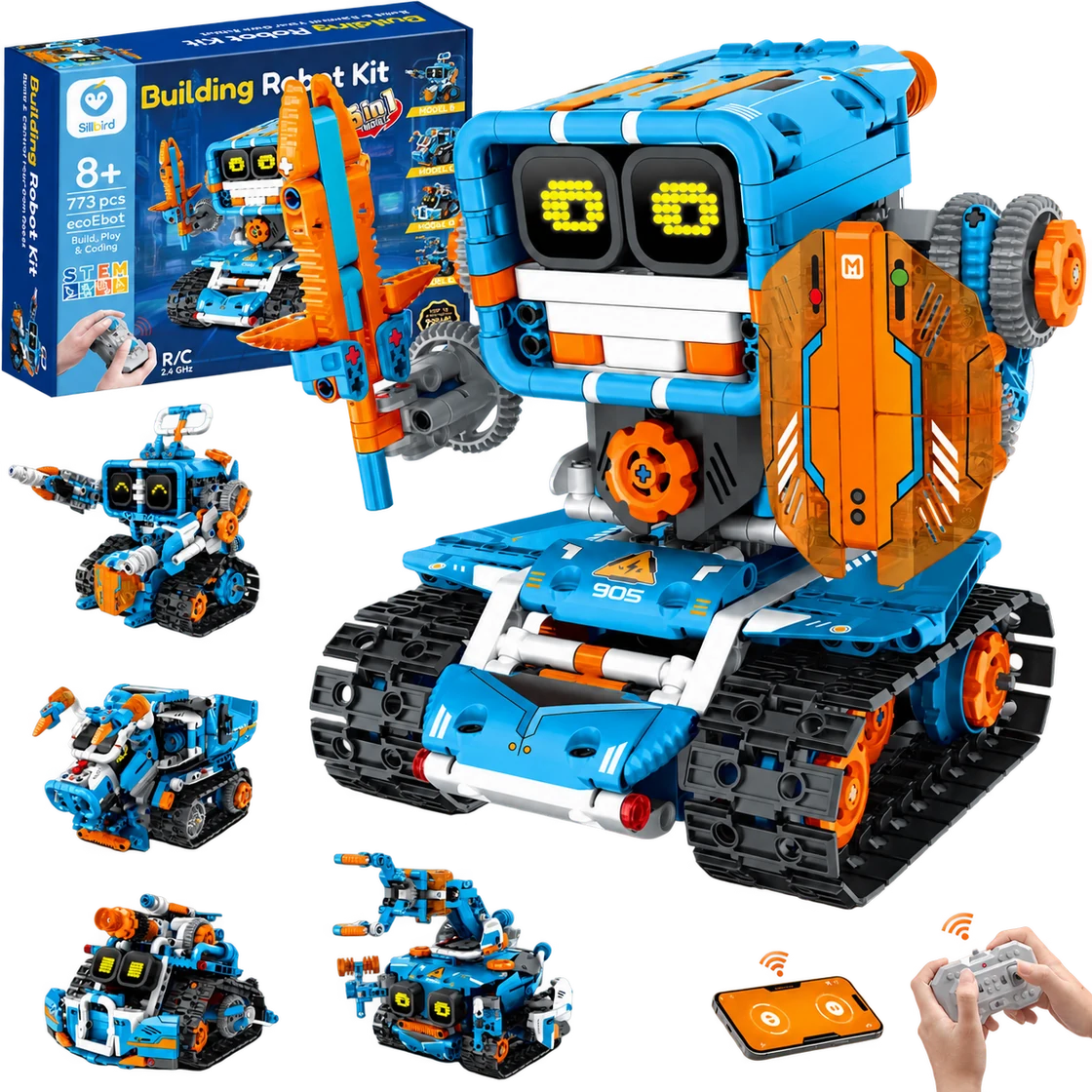
Sillbird Building Robot Kit B905
A multi-build robot project that turns assembly into part of the fun.
Best for Builders aged 8+ who enjoy following a project, making several robot designs and choosing between app or remote control
Read the review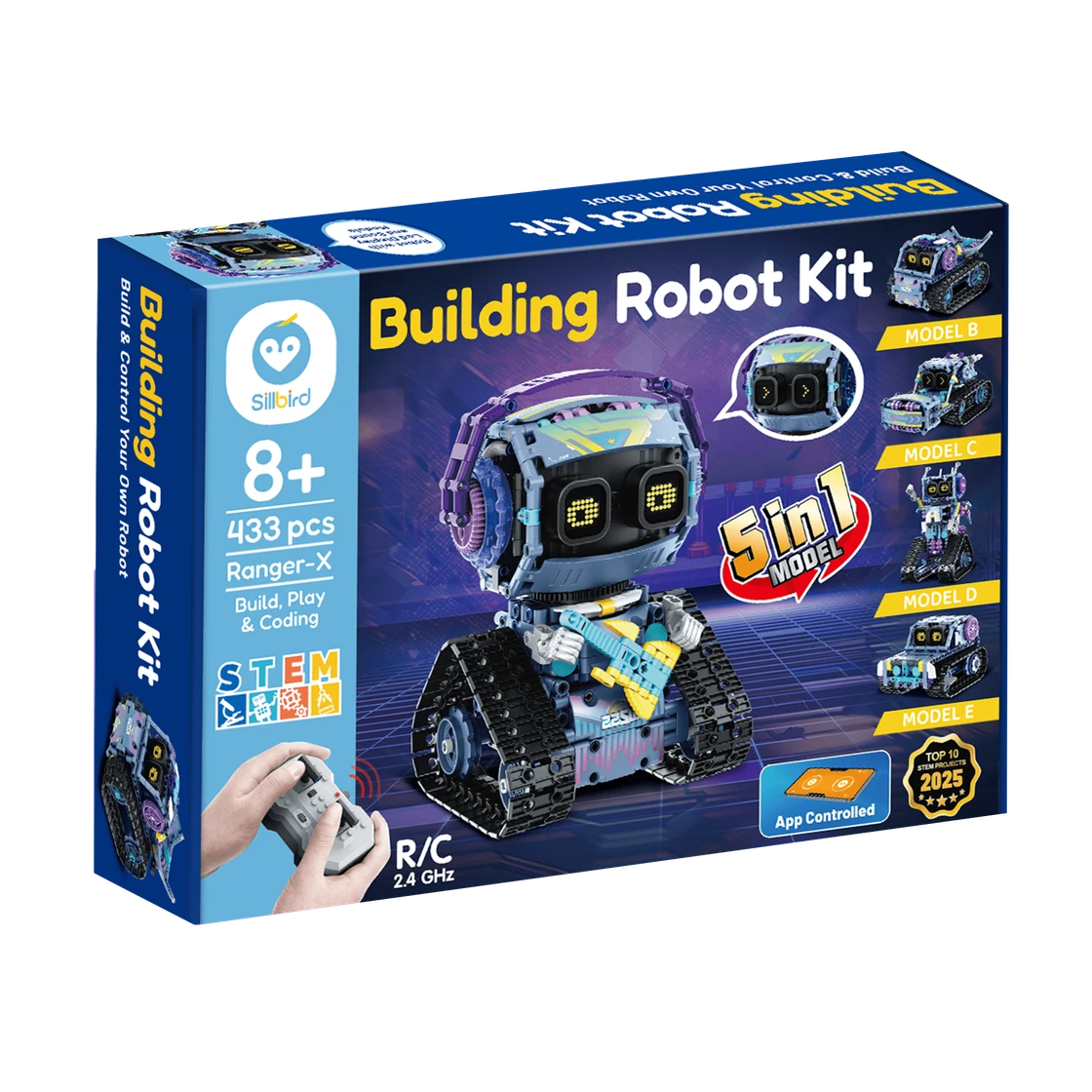
Sillbird RockRoller Music Robot
A characterful robot-building project with five ways to rebuild and two control options.
Best for Builders aged 8+ who enjoy a multi-session construction project and want to drive or program an expressive robot afterward
Read the review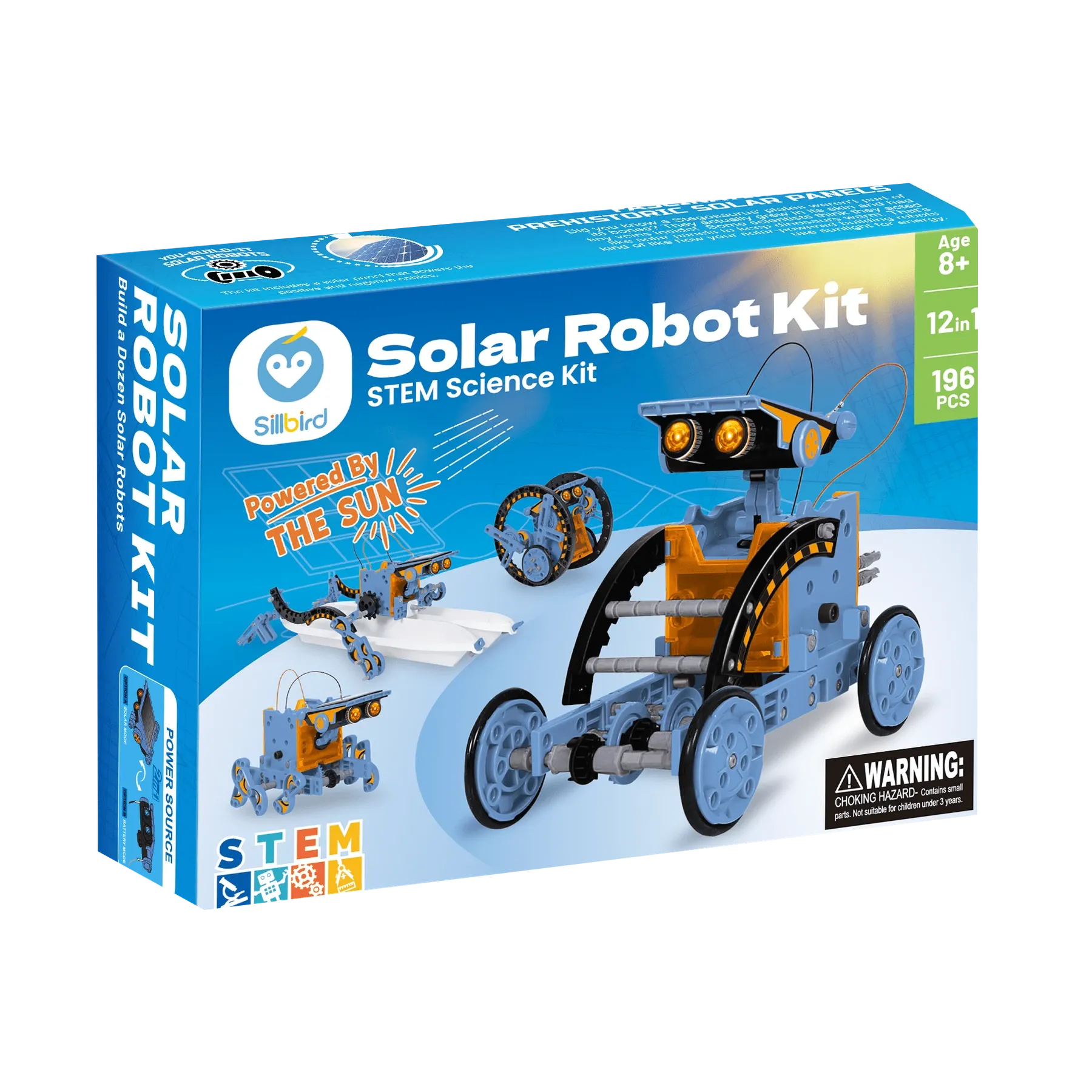
Sillbird STEM Solar Robot 215E
A sunny, hands-on project that turns one kit into a dozen robot builds.
Best for Builders aged 8+ who enjoy assembling reusable models and can try solar-powered movement in direct sunlight
Read the review