
Makeblock mTiny review
A screen-free coding robot that turns a preschooler's first programs into physical play.
Robot Current is reader-supported and may earn a commission from qualifying purchases through affiliate links, at no extra cost to you. Brands cannot buy a recommendation. How this works.
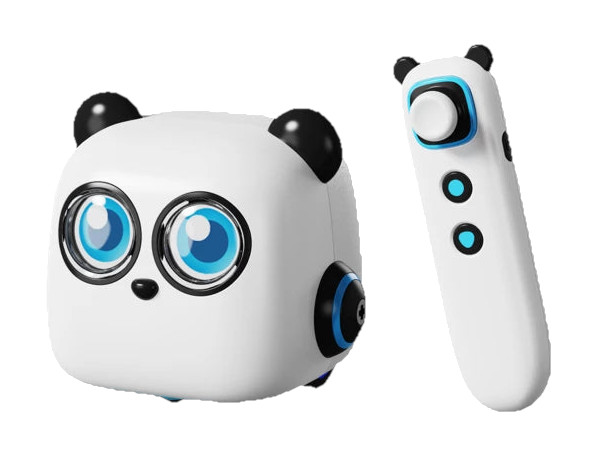
We recommend Makeblock mTiny for a preschool learner aged 4+ who is ready to try simple coding through physical play. Its tap pen, coding cards and themed maps let a child arrange a sequence and send the panda across the mat without starting with a screen or building session. The Discover Kit adds cards, markers and story-game materials to explore. Choose mTiny for guided, screen-free introductions; older children who want a path into Python may prefer Codey Rocky.
Preschool learners aged 4+ who want an adult-supported, screen-free introduction to coding through cards, maps and movement
- Recommended age
- 4+; not for children under 3
- Programming
- Screen-free tap pen and physical coding cards
- Assembly
- No building needed
- Discover Kit contents
- 81 coding cards, 4 markers, 3 character masks, 24 map pieces, 6 game cards, 4 case cards; no storybook listed for this package
The quick answer
Makeblock mTiny is a screen-free coding robot for preschoolers aged 4+, controlled with a tap pen and physical coding cards on themed maps. The Discover Kit arrives without a building project and includes 81 coding cards, 24 map pieces, four markers, three character masks, six game cards and four case cards. It suits hands-on first steps in sequencing, movement, expressions, music and drawing; adult supervision and separate charging for the robot and pen are part of setup.
Why we like it
- Physical cards, a tap pen and themed maps introduce coding without a phone or tablet.
- No assembly is required, so families can focus on learning the controls and charging both devices.
- Nine coding-card types cover movement, expressions, repeat and loop commands, music, and drawing paths.
- The robot combines a color LCD face, 10+ preset facial expressions and 300+ factory sounds.
- The Discover Kit listing includes 81 coding cards, 24 map pieces, four markers and character and game materials.
Before you buy
- Its card-based activities are aimed at early learners; it does not offer the same block-to-Python progression as Codey Rocky.
- The robot and tap pen have separate built-in rechargeable batteries. Makeblock lists about 1–2 hours of play and charging, and the recommended power adapter is not included.
- Makeblock recommends mTiny for ages 4+, says children under 3 should not use it, and requires an adult to be present during use.
- The batteries are not replaceable, so follow Makeblock's charging and storage guidance.
A first coding activity built around physical play
mTiny makes the first program something a child can arrange with their hands. Makeblock pairs the panda robot with a tap pen, coding cards and themed maps, so the learner can tap a sequence and watch the robot respond without opening a coding app. That is a useful fit for a preschooler who is curious about cause and effect but is not ready to read a screen full of blocks. The maps give movement a visible destination, while the pen keeps the interaction close to the cards. Makeblock also frames activities around math, English and music, giving a parent or teacher ways to connect a short coding sequence with a familiar subject. The screen-free format is the main reason to choose mTiny over a general coding robot: it makes the program physical and easy to discuss together. A parent can ask which card should come next, or invite the child to change one instruction and see how the route changes. Families can choose a destination, ask the child to plan the route, then tap through the cards together. This gives shared play a clear focus without requiring a separate tablet, account or software setup.
A ready-to-use robot, with adult-supported setup
The mTiny Discover Kit needs no building, which keeps the initial task focused on learning the robot and pen rather than sorting components. Makeblock's getting-started guide still calls for charging both, switching them on and pairing them before play. The robot has a built-in 1,800 mAh battery and the tap pen a separate 300 mAh battery. Makeblock lists about one to two hours for play and a similar charging time; these are manufacturer figures, not a guarantee for every session. The recommended 5 V / 2 A adapter is not in the package. Both devices use Micro USB charging, so check that the right cables are ready for each. Its safety instructions recommend ages 4 and up, prohibit use under age 3 and require an adult to be present. Plan to help a younger child with charging, pairing and the first few activities, and keep in mind that neither battery is replaceable.
Card sequences make code tangible
Makeblock's support guide describes nine card types, including facial expressions, movement, input and go commands, repeats, loops, music, shapes and lines. An action card can move mTiny forward one 18.6 cm map block; a loop card can repeat a sequence. A child can put commands in order, tap them with the pen and see how changing one card changes the route or response. Makeblock's own examples send the robot forward four blocks, turn right, then move forward again, or repeat a movement and expression several times. The kit also supports drawing: a marker can go in the robot's slot, with shape or line commands directing a path. These are concrete ways to introduce order, repetition and simple instructions. The activities remain guided by the supplied cards and maps, so the child is learning through a deliberately bounded system rather than writing open-ended code. That makes mTiny approachable for early exploration and gives older learners a clear reason to move on to a platform with programmable blocks or Python.
Check the Discover Kit contents
The selected mTiny Discover Kit lists 81 coding cards, four color markers, three character masks, 24 themed map pieces, six game cards and four case cards. The package comparison does not list a storybook for this variant. Makeblock describes three dress-ups, 10+ facial expressions and 300+ sound effects, giving the panda several ways to react as a child works through an activity. The robot has a color LCD for its eyes and a speaker for its sounds; turning its rear knob powers it and changes volume. The separate mTiny Coding Kit is shown with 36 coding cards, 24 map pieces, four game cards, three masks and a storybook, so the exact box matters if a particular activity is the reason you are buying. These details make the kit feel interactive, while the cards and maps remain the core learning tools. Check the selected Discover Kit before ordering because Makeblock lists different accessory counts for each package.
Our buying advice
Choose mTiny for a preschool learner aged 4+ who will enjoy tapping out short instructions, moving across themed maps and seeing a program produce a sound, expression or movement. We would pick it when a family wants early coding to stay screen-free and an adult can be nearby to help with setup. Makeblock's US listing showed the Discover Kit at $229.99 on October 20, 2026. The physical format and included map materials are the reason to pay for this particular kit, rather than an expectation of a longer software curriculum. For an older child who is ready to use a coding app and wants a route from blocks into Python, compare Codey Rocky instead; it is also ready to use, but its projects center on software, sensors and the robot's controls.
The details at a glance
| Recommended age | 4+; not for children under 3 |
|---|---|
| Programming | Screen-free tap pen and physical coding cards |
| Assembly | No building needed |
| Discover Kit contents | 81 coding cards, 4 markers, 3 character masks, 24 map pieces, 6 game cards, 4 case cards; no storybook listed for this package |
| Card activities | 9 types, including movement, expressions, loops, music, shapes and lines |
| Display and sound | Color LCD, 10+ preset expressions and 300+ factory sounds |
| Robot battery | Built-in rechargeable LiPo, 1,800 mAh |
| Tap pen battery | Built-in rechargeable LiPo, 300 mAh |
| Play and charging time | About 1–2 hours each, manufacturer estimate |
| Wireless connection | 2.4 GHz; working distance within 10 m in an open field |
| Charging | 5 V recommended adapter; adapter not included |
| Delivery region | Makeblock US store ships directly within the contiguous United States |
Makeblock mTiny · Preschool learners aged 4+ who want an adult-supported, screen-free introduction to coding through cards, maps and movement
Keep researching
- How to choose an educational robotics kit
- Best first coding robot by age
- Makeblock mTiny vs Codey Rocky: which first coding robot fits?
Your questions, answered.
What age is mTiny for?
Makeblock recommends mTiny for ages 4 and up and says children under 3 should not use it; an adult must be present during use.
Does mTiny need a screen to code?
No. Makeblock describes screen-free programming with the tap pen, coding cards and themed maps.
What comes in the mTiny Discover Kit?
Makeblock lists 81 coding cards, four markers, three character masks, 24 map pieces, six game cards and four case cards for the Discover Kit.
How long does mTiny run, and is a charger included?
Makeblock lists about one to two hours of play and charging, with separate built-in batteries in the robot and tap pen; its recommended 5 V / 2 A power adapter is not included.
Is there a Makeblock discount code for mTiny?
No code or discount is supplied through our Makeblock referral route, so the review shows the dated listed price without a savings estimate.
How we put this review together
- Product information checked against official sources on October 20, 2026; reviewed listing: Makeblock store.
- Product photography comes from Makeblock; the background was removed while preserving the supplied product image.
- No scores and no paid placement. Our recommendation is about fit, not commission.
Also worth considering
All reviews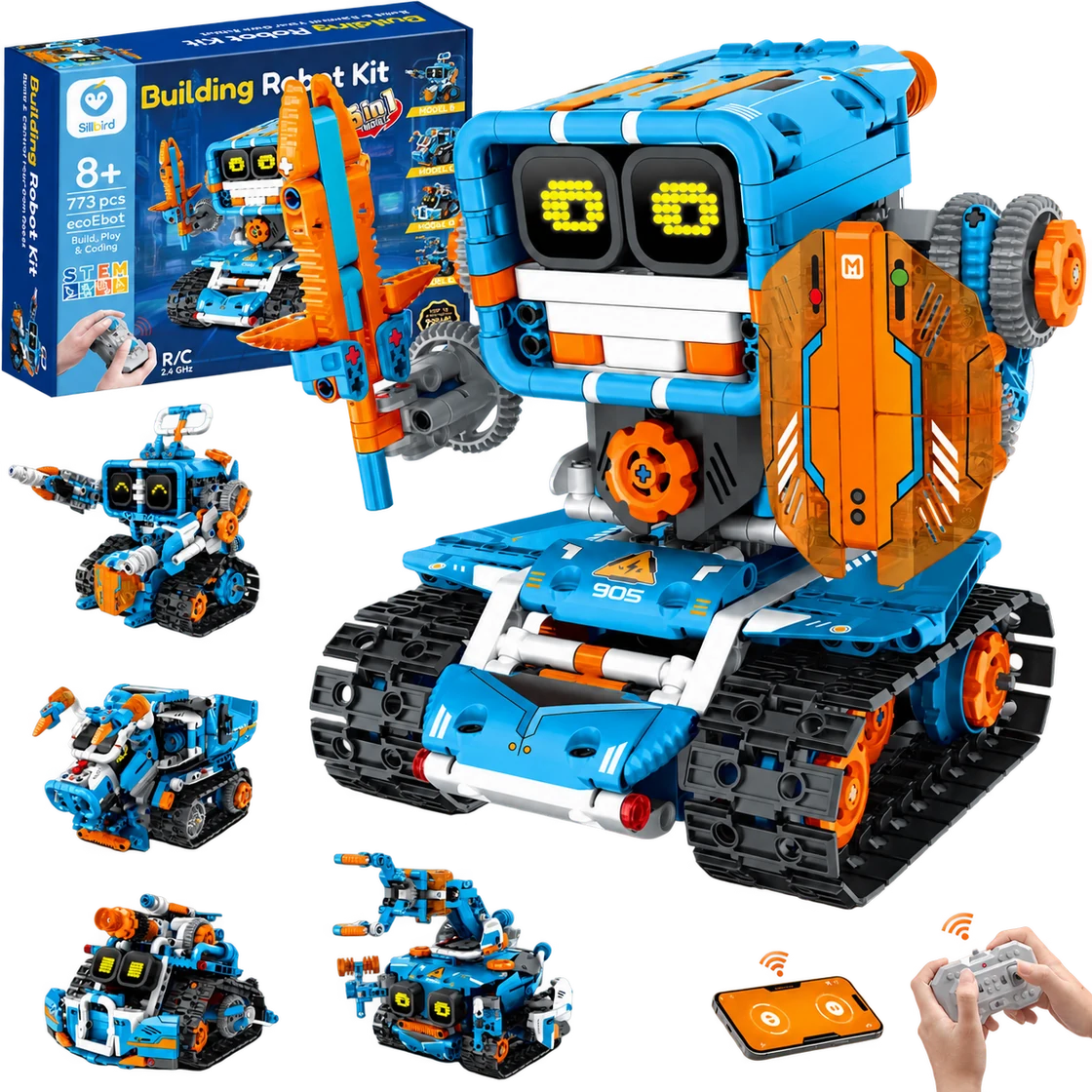
Sillbird Building Robot Kit B905
A multi-build robot project that turns assembly into part of the fun.
Best for Builders aged 8+ who enjoy following a project, making several robot designs and choosing between app or remote control
Read the review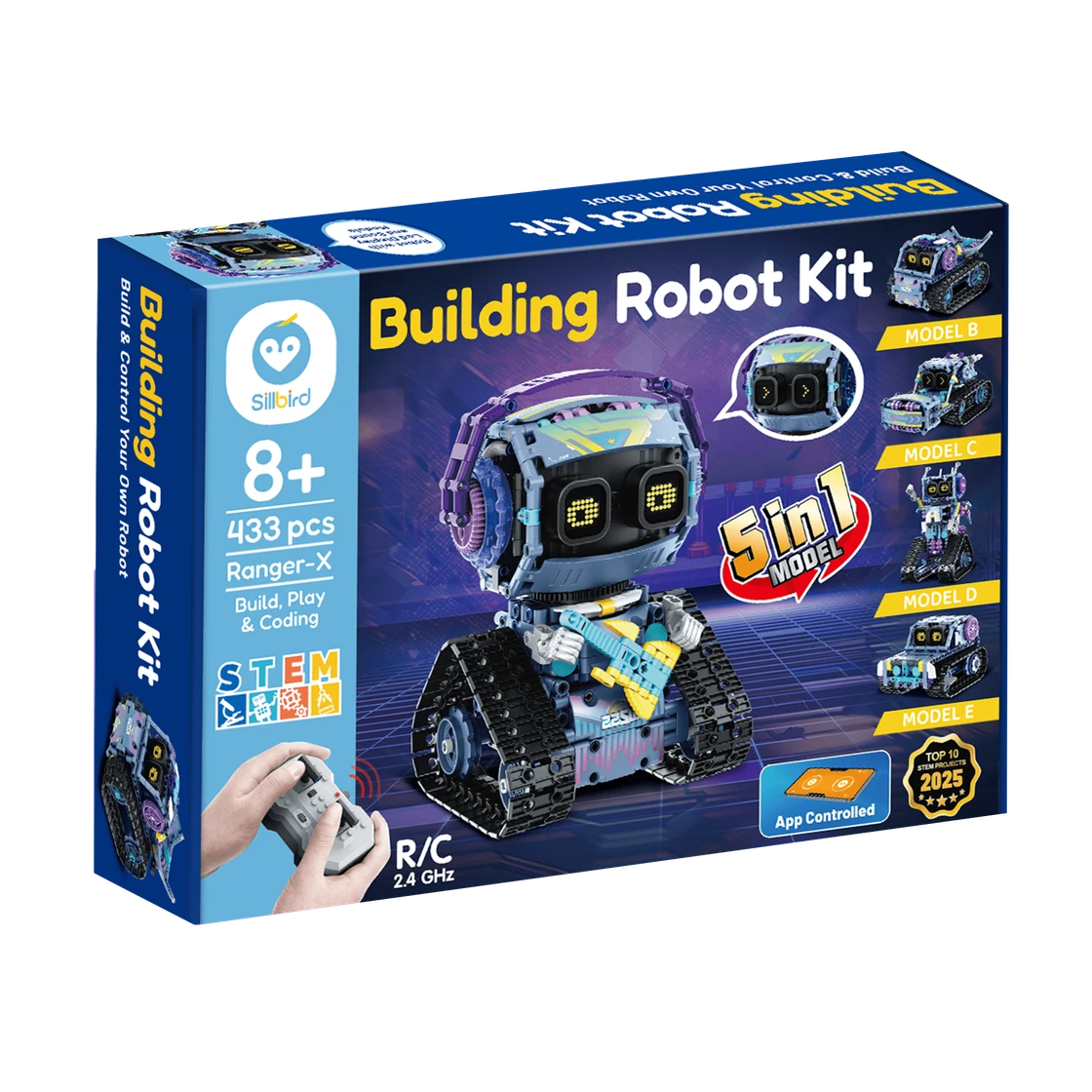
Sillbird RockRoller Music Robot
A characterful robot-building project with five ways to rebuild and two control options.
Best for Builders aged 8+ who enjoy a multi-session construction project and want to drive or program an expressive robot afterward
Read the review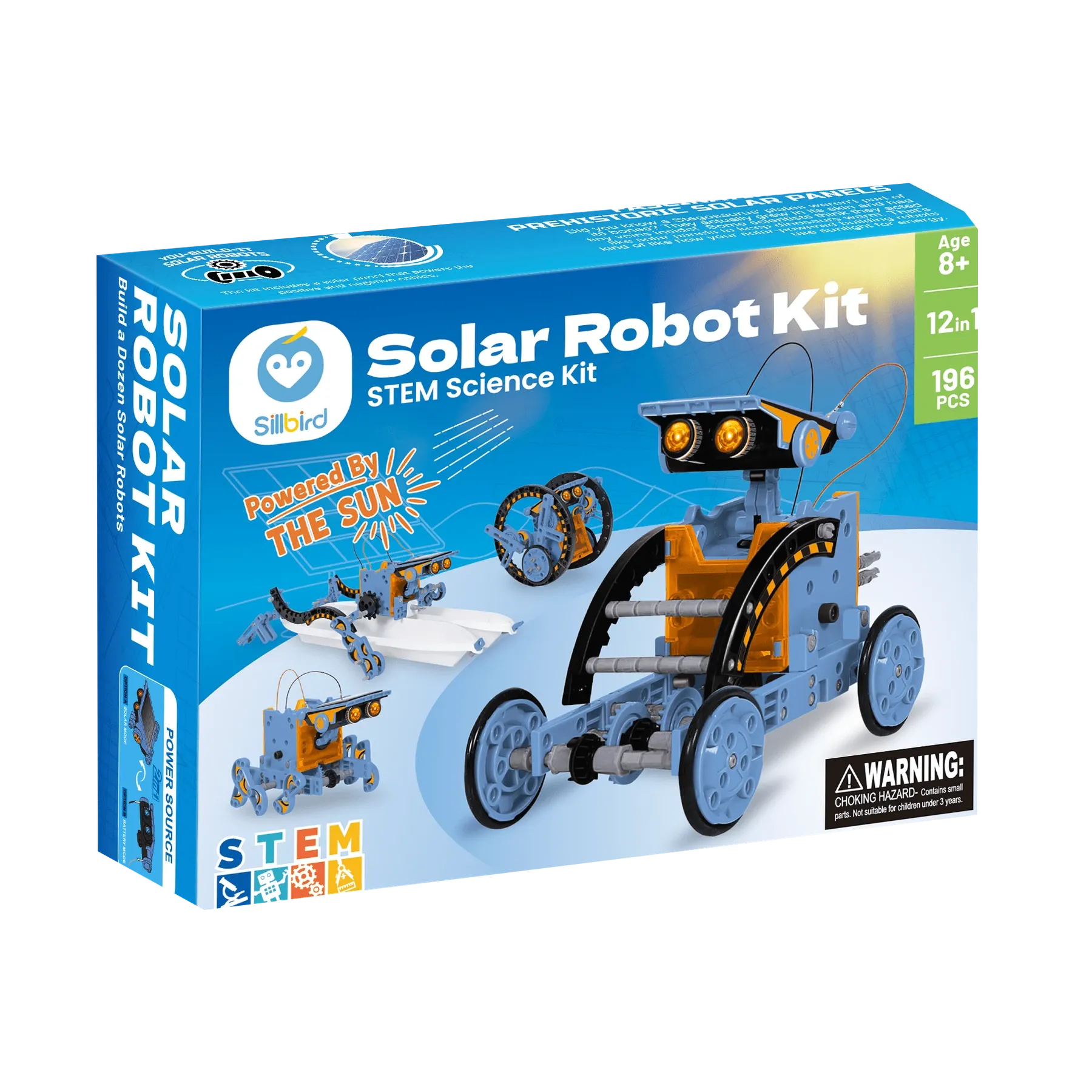
Sillbird STEM Solar Robot 215E
A sunny, hands-on project that turns one kit into a dozen robot builds.
Best for Builders aged 8+ who enjoy assembling reusable models and can try solar-powered movement in direct sunlight
Read the review