
Robot vacuum maintenance schedule: daily, weekly and monthly
A practical starting routine for robot vacuum bins, brushes, filters, sensors, mop parts and docks, with model-specific care instructions taking priority.
The quick answer
After each run, check the bin, brushes and mop parts. Once a week, clear hair and inspect the filter using the method in your manual. Each month, wipe the sensors and charging contacts and check the dock. Treat this as a starting schedule: models set different care and replacement intervals, and pets, daily runs and heavy dust can call for more frequent attention.
A practical starting schedule
- After each run: Empty or check the onboard bin unless the dock has emptied it. Remove visible hair from brushes. Clean the mop pad and empty dirty water as the model requires.
- Once a week: Clear hair from the main and side brushes and around wheel axles. Check the bin and filter; clean the filter only as the manual directs. Daily use, pets and long hair may call for checking twice a week.
- Once a month: Wipe sensors and charging contacts with a soft, dry cloth. Inspect the caster wheel, dock inlet, tray and dust bag or bin. Clean sooner if you see buildup; some models specify weekly or fortnightly care.
- At an app reminder or performance change: Check for a full bag, blocked airflow, tangled brush or worn part. Follow the model’s care chart for cleaning and replacement; timing differs by model and component.
Filters need model-specific care
A filter that can be rinsed on one robot may be damaged by water on another. Check the exact manual before washing or brushing it. For example, iRobot’s Roomba s Series chart says to clean its filter weekly, more often in homes with pets, and not to wash it. ECOVACS says to rinse a filter only when the model’s manual identifies it as washable, then let it dry fully before reinstalling. These differences are why the schedule above uses inspection reminders instead of a universal filter replacement date.
Replace filters and brushes when the manufacturer’s chart or app calls for it, or sooner if the part is visibly worn or the robot’s pickup drops after a blockage has been cleared. Use the part listed for the exact model and region.
Self-emptying and mopping docks still need attention
An auto-empty dock reduces how often you handle the robot’s small bin, but the dust bag, collection inlet and dock filter still collect debris. Replace the bag when the dock or app prompts you, or when it is full. Check the transfer path if the robot’s bin stops emptying.
For a mop dock, the dirty-water tank, wash tray, mop pads and drying area need the care described in its manual. Rinse or dry each part only as instructed, and avoid leaving dirty water or damp pads sitting between runs when the system calls for them to be emptied.
Match the cadence to your home
A robot that runs every day in a home with shedding pets will collect hair faster than one that cleans a quiet room twice a week. Check brushes, wheels and filters more often when you see buildup, and follow any maintenance alert in the app. Carpet fibers, fine dust and long hair can also shorten the time between cleanings.
If pickup falls, the robot struggles to dock or charge, or an error appears, pause the next scheduled run and inspect the affected part. A quick check after a problem is more useful than waiting for the next monthly reminder.
Your questions, answered.
How often should I clean my robot vacuum?
Check the bin, visible hair and mop parts after each run, then use a weekly brush and filter check as a starting point. Follow the schedule for your exact model.
Can I wash a robot vacuum filter?
Only if the manual says that filter is washable. Some filters must stay dry, and washable filters need to dry completely before they go back in.
How often should I replace the filter or brush?
Use the interval in the manufacturer’s care chart or app, and replace a part sooner if it is worn or damaged. There is no single interval for every robot.
Does a self-emptying robot need maintenance?
Yes. Check the dock bag or bin, suction path, charging contacts and any dock filter; mopping docks also need tank, tray and pad care.
What should pet owners check more often?
Inspect the main brush, side brush, wheels and filter more often for hair buildup. A twice-weekly brush check is a useful starting point for shedding homes, adjusted to the robot’s manual and actual buildup.
Ready to choose?
Manufacturer care references
Robots we recommend in robot vacuums & mops
See all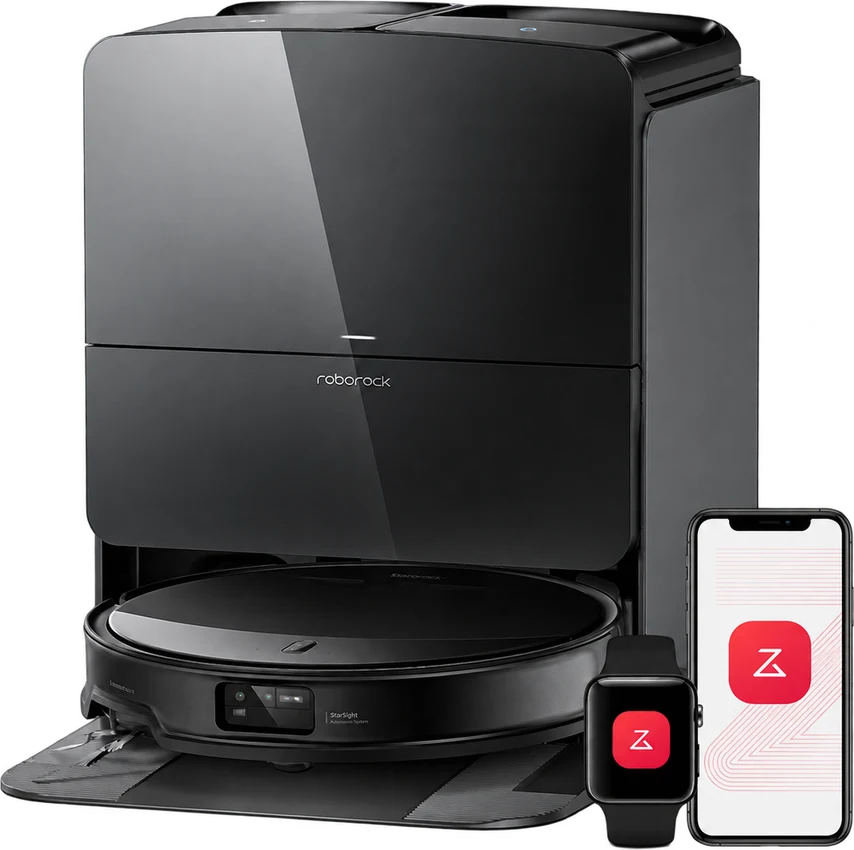
Roborock Saros 10R
A lower profile. A lighter cleaning routine.
Best for Mixed-floor homes with low furniture
Read the review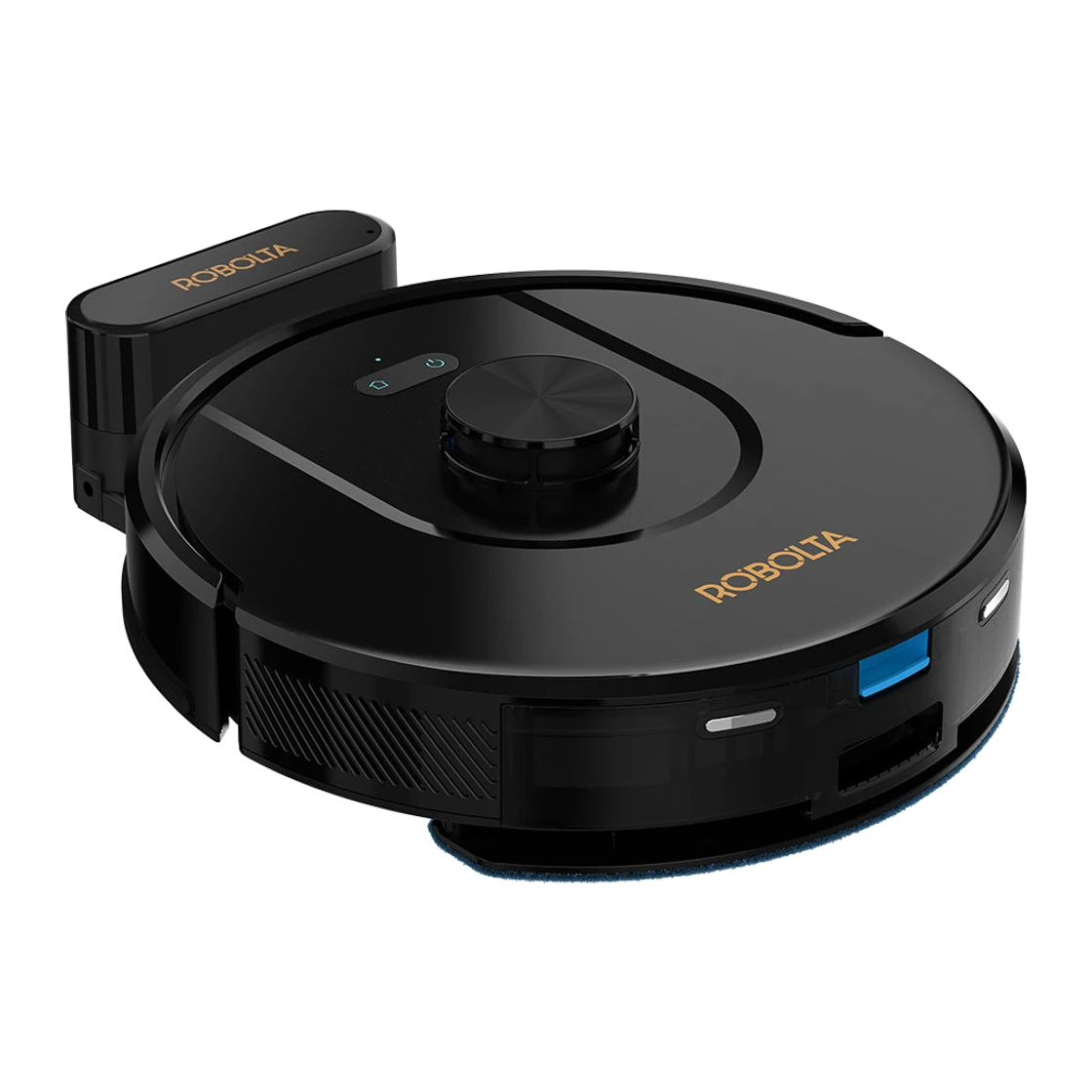
Robolta R2 Pro
LiDAR-mapped daily vacuuming and mopping with up to three hours of runtime, under ₹22,000.
Best for Indian homes that want scheduled, mapped floor cleaning at a modest price, and are happy to empty the dustbin by hand
Read the review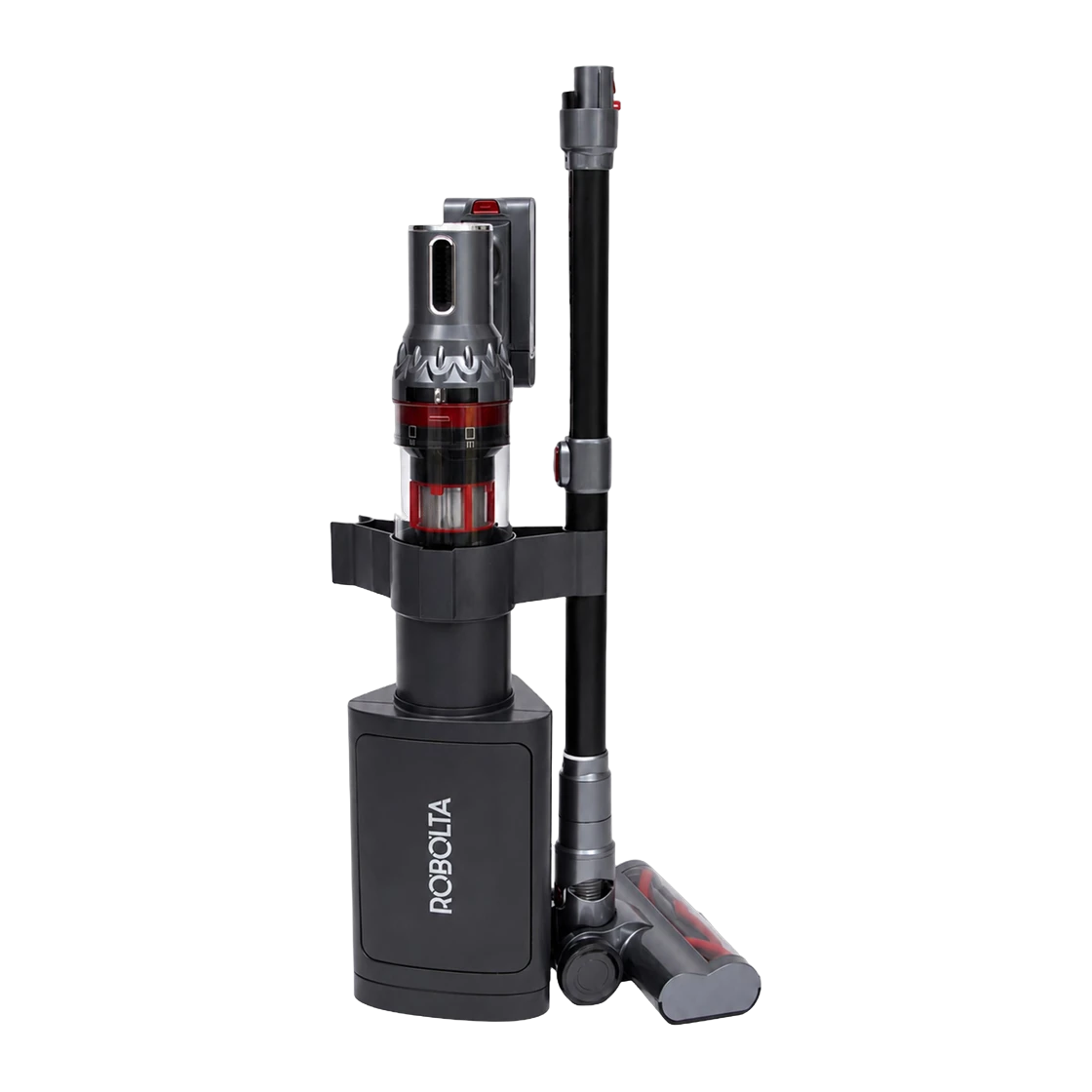
Robolta H4 Ultra
A cordless stick vacuum with 35 kPa suction and a station that empties its dust bin automatically.
Best for Indian homes that want strong cordless cleaning for floors, sofas and cars, and a dock that handles the dust
Read the review