
Coding robots vs building kits: choose your starting point
Understand what a coding robot teaches, what a construction kit adds, and where the two overlap.
Robot Current may earn a commission from qualifying purchases through affiliate links. How this works.
The quick answer
Choose a coding robot when you want repeated practice writing instructions and improving what the robot does. Choose a construction kit when assembly, mechanisms and alternate builds are the main activity. Some products do both: mBot2 is assembled and then programmed, while Sillbird’s B886 leads with a multi-build construction set and includes app programming modes. Match the starting activity to the learner, then check how far the software can take them.
The difference is where the project starts
A coding robot puts instructions in the foreground. The learner changes a sequence, runs the robot, notices what happened and tries again. A building kit puts construction first: identify the parts, follow the steps, connect motors and see how a mechanism moves. Both can teach logic, patience and problem solving; they simply spend more time on different parts of robotics.
The labels overlap. A coding robot may need assembly, and a construction kit may offer an app with programming controls. Look at the actual activity and software rather than deciding from the product name alone.
Code first with a ready-to-use robot
Makeblock Codey Rocky arrives without building and supports block-based programming and Python in mBlock. It suits a learner who wants to begin with movement, buttons and sensors, then move from visual blocks toward text code. Makeblock lists it for ages 6 and up.
For younger beginners, mTiny teaches sequences through a tap pen, physical coding cards and themed maps. It is screen-free and listed for ages 4+. It introduces the idea of giving a robot ordered instructions without starting with an app or a text editor.
Build and code with mBot2
mBot2 combines hands-on assembly with a longer programming path. Makeblock describes assembly instructions followed by block-based programming, with Python available in the same software. The kit also has sensors for observing its surroundings, so the learner can build a robot and then change how it responds.
Choose this hybrid when the learner enjoys making the machine and wants software challenges afterward. It asks for more setup than Codey Rocky, but avoids treating construction and coding as separate interests.
Build first with a multi-model construction kit
Sillbird lists its ecoEbot B886 for ages 8 and up, with a 4 to 5 hour assembly estimate, 631 pieces and six build options. Its app includes driving and programming modes, alongside remote control. That makes it a build-led choice for a learner who wants to assemble different forms and then control them.
An app programming mode can mean a different kind of activity from writing block code or Python. Before choosing, look at what the learner can actually create in the app and whether the programming steps can be changed or extended. Our B886 review explains the current listing details and its model-count wording.
Choose a maker kit when hardware and code belong together
SunFounder PiDog and PiCrawler are assembly projects built around a Raspberry Pi, which is sold separately. SunFounder lists Python for both and Scratch as an option for PiCrawler. These kits suit a maker who is ready to set up a small computer, connect robot hardware and work through code examples. They need more preparation than a ready-to-run classroom robot, so plan for the Pi and the setup time as part of the project.
Choose by the next activity, not the longest feature list
- Choose mTiny when tangible, screen-free sequences are the goal.
- Choose Codey Rocky when the learner wants to start coding immediately and progress from blocks to Python.
- Choose mBot2 when building and coding are both important.
- Choose the B886 when assembly and alternate builds should lead, with app control afterward.
- Choose PiDog or PiCrawler when the learner wants a deeper Raspberry Pi maker project.
If you are unsure, ask which part they would repeat next week: writing a new instruction, rebuilding a mechanism or trying another model. That answer is usually more useful than piece count or the broadest software label.
Your questions, answered.
Can a building kit teach coding?
Yes. Some construction kits add app programming, but the depth varies; check what the learner can change and create in the software.
Is mBot2 a coding robot or a building kit?
It combines both: the learner assembles the robot, then uses block-based programming and Python.
Which robot starts coding with the least assembly?
Codey Rocky arrives assembled and supports block code and Python; mTiny is a screen-free starting point for ages 4 and up.
Do PiDog and PiCrawler include the Raspberry Pi?
No. SunFounder says the Raspberry Pi is sold separately for both kits.
Is the Sillbird B886 a coding robot?
It is primarily a multi-build construction kit with app driving and programming modes; check the app workflow if open-ended coding is the main goal.
Ready to choose?
Further reading & sources
Robots we recommend in robotics kits
See all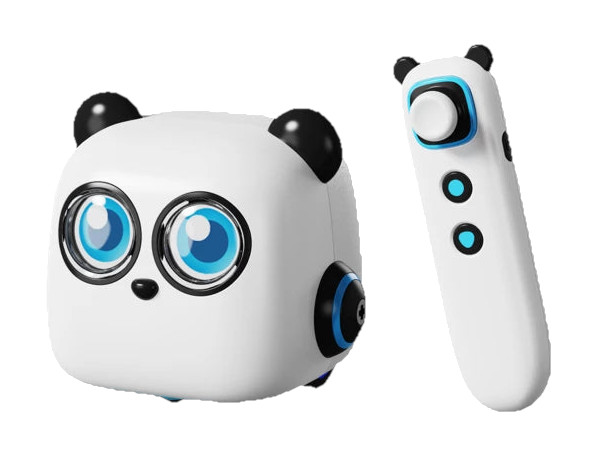
Makeblock mTiny
A screen-free coding robot that turns a preschooler's first programs into physical play.
Best for Preschool learners aged 4+ who want an adult-supported, screen-free introduction to coding through cards, maps and movement
Read the review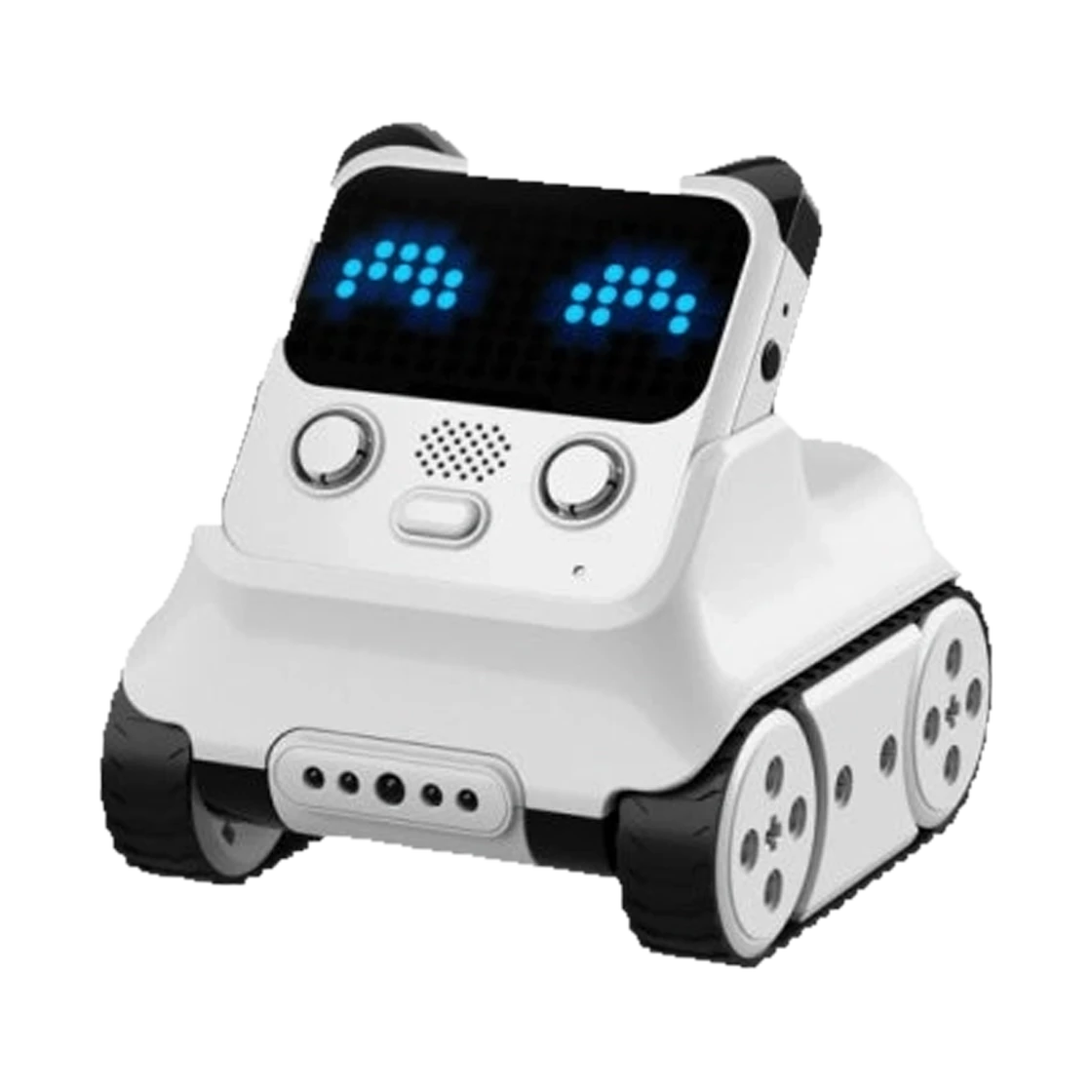
Makeblock Codey Rocky
A ready-to-use coding robot that makes early sensor and Python projects tangible.
Best for Children aged 6+ and beginners who want interactive coding without first building a robot from parts
Read the review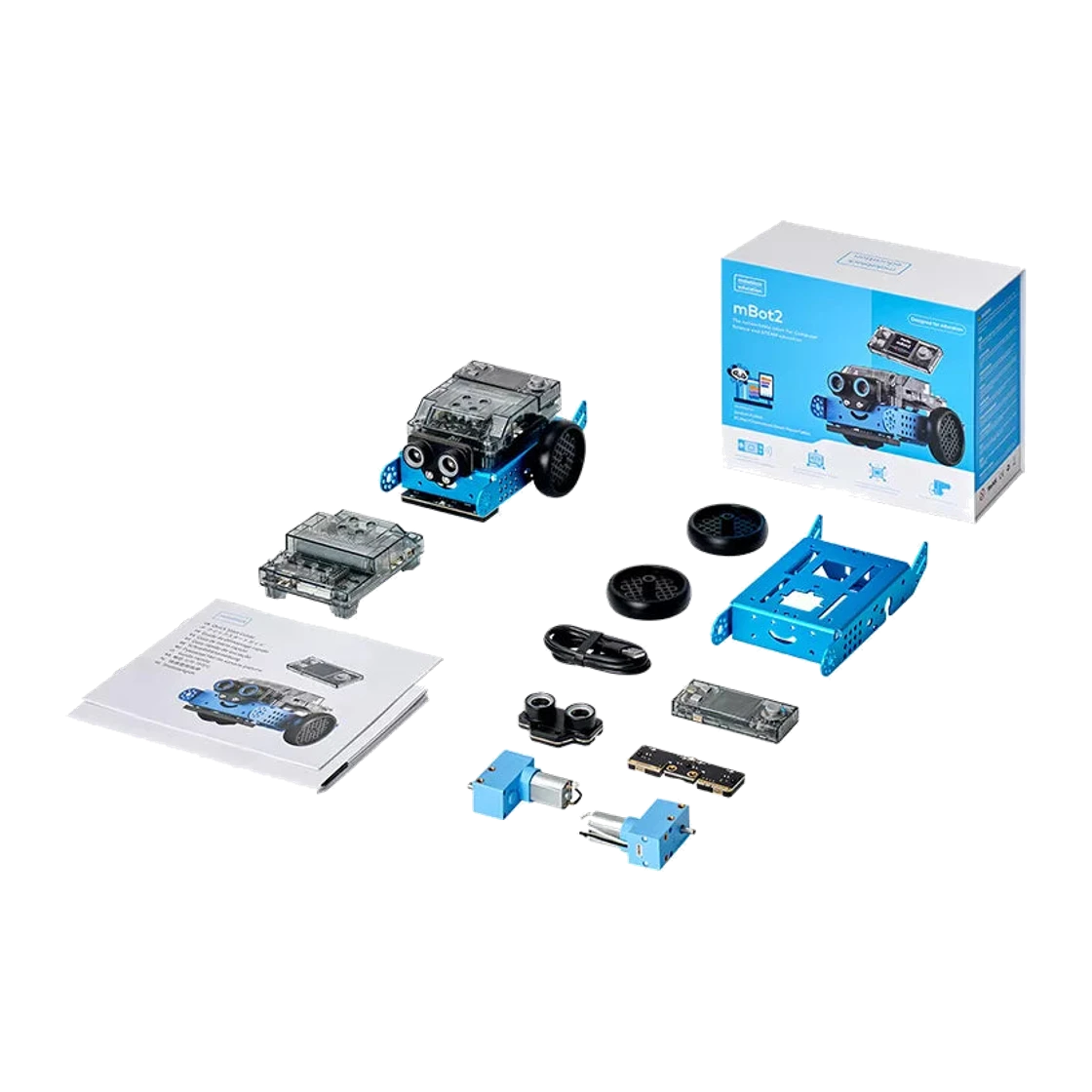
Makeblock mBot2
A sensor-rich coding robot that moves from block programs into Python.
Best for Makers, families and classrooms looking for a buildable coding platform with onboard sensors and a path into Python
Read the review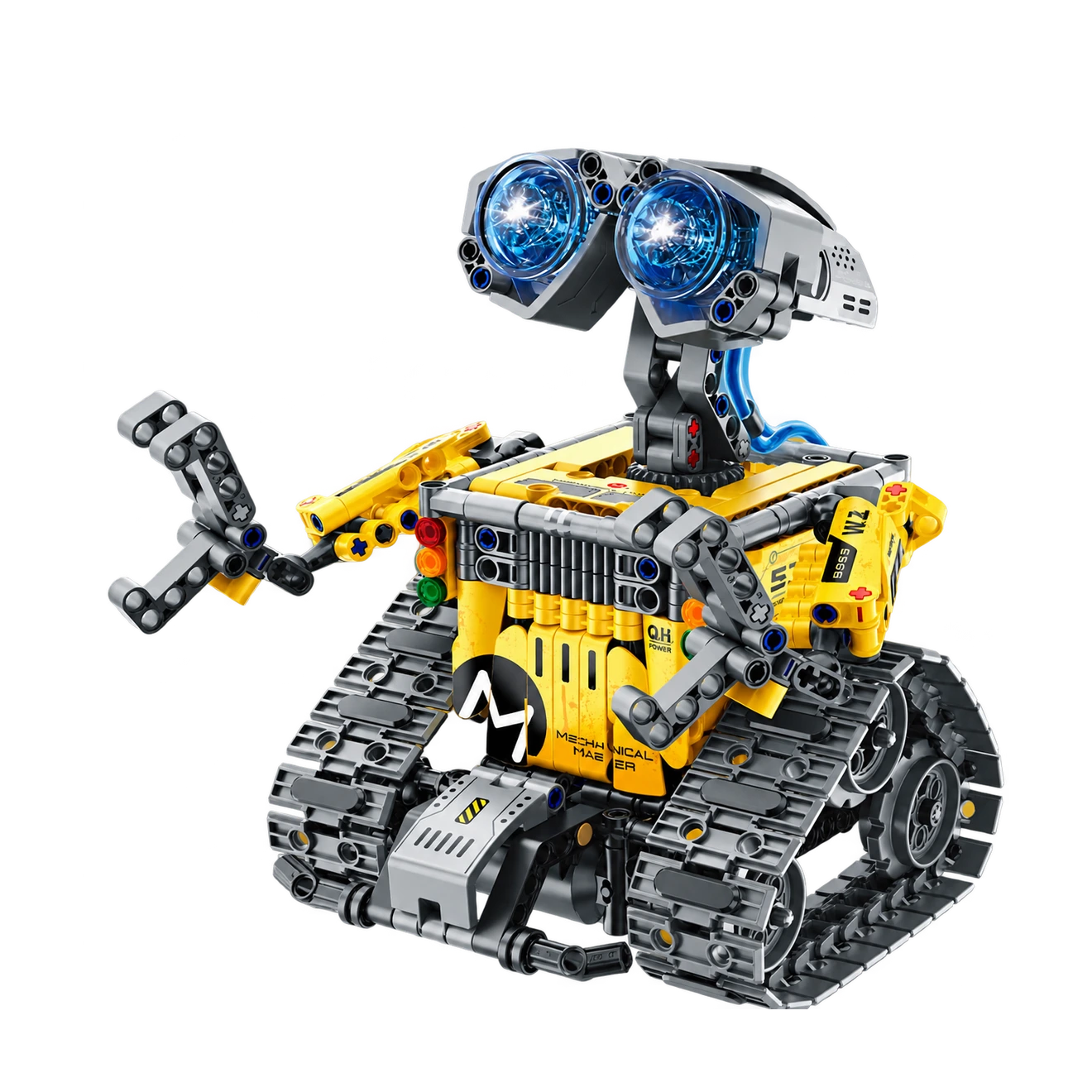
Sillbird ecoEbot B886
A tracked, multi-build robot kit for a maker who enjoys trying different ways to drive and program.
Best for Builders aged 8+ who want several tracked robot builds, app or remote control and a longer 4–5 hour assembly project
Read the review